A little inspiration for every photo
All your AI photo tools.A little more possibility.
From the smallest detail to a whole new style. Turn the picture in your mind into something you can share.
Explore tools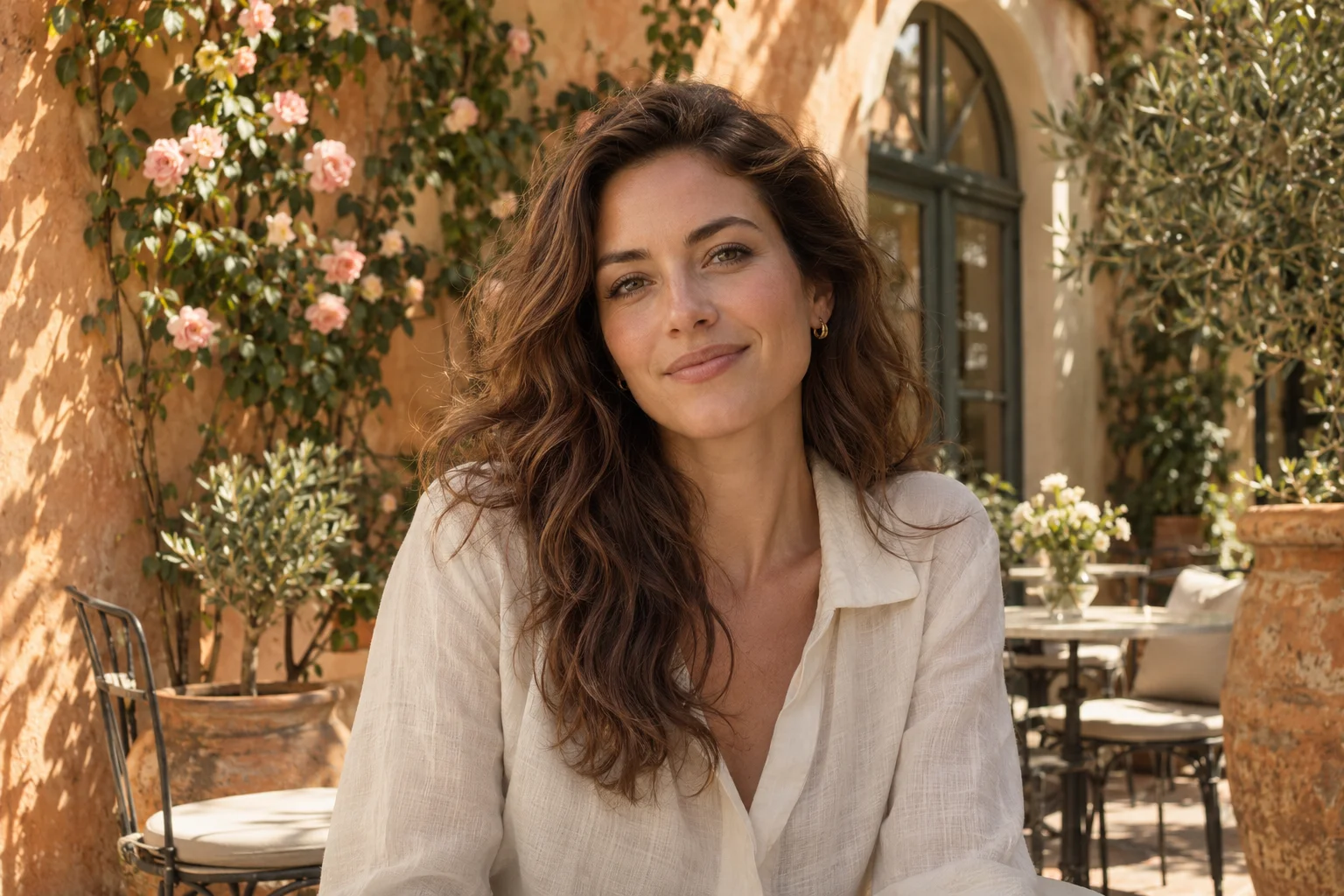
EFFORTLESS EDITS · NATURAL RESULTS
Good photos start here
Pick a tool. Make it yours.
 Illustrative preview
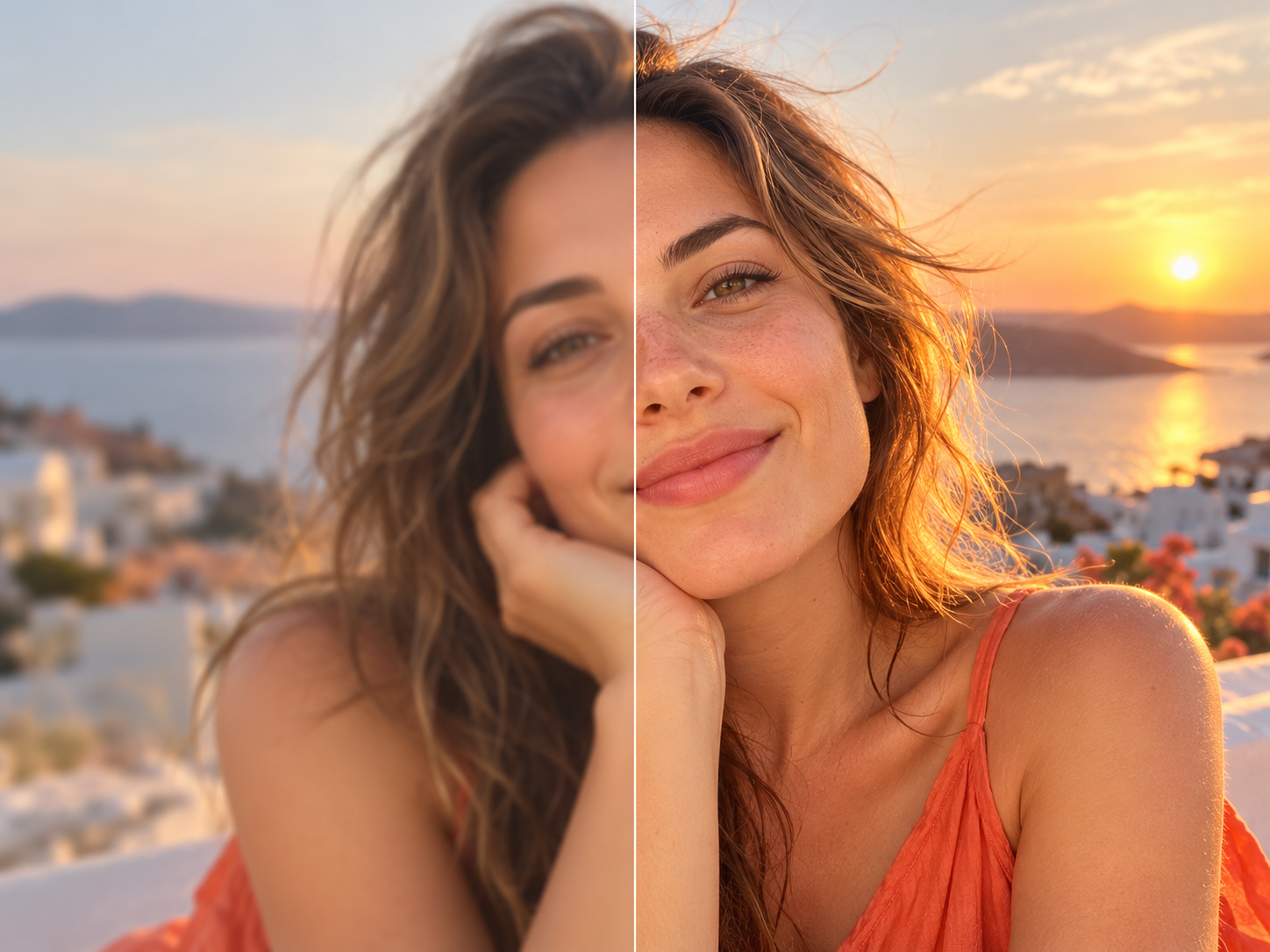
AI Photo Enhancer
Bring out clearer details, richer light and natural color.
Explore tool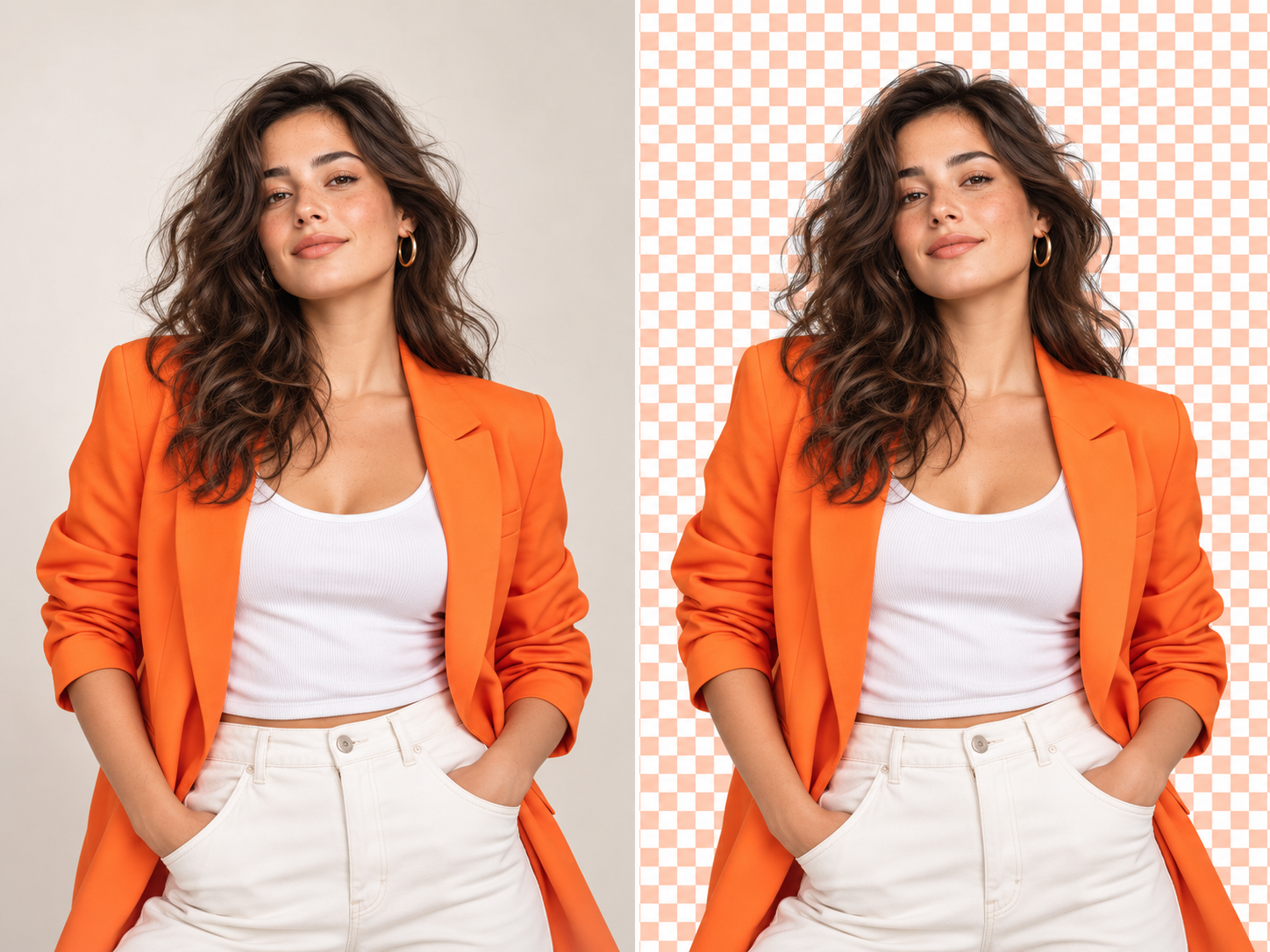 Illustrative preview
AI Background Remover
Keep the subject. Give your photo a fresh setting.
Explore tool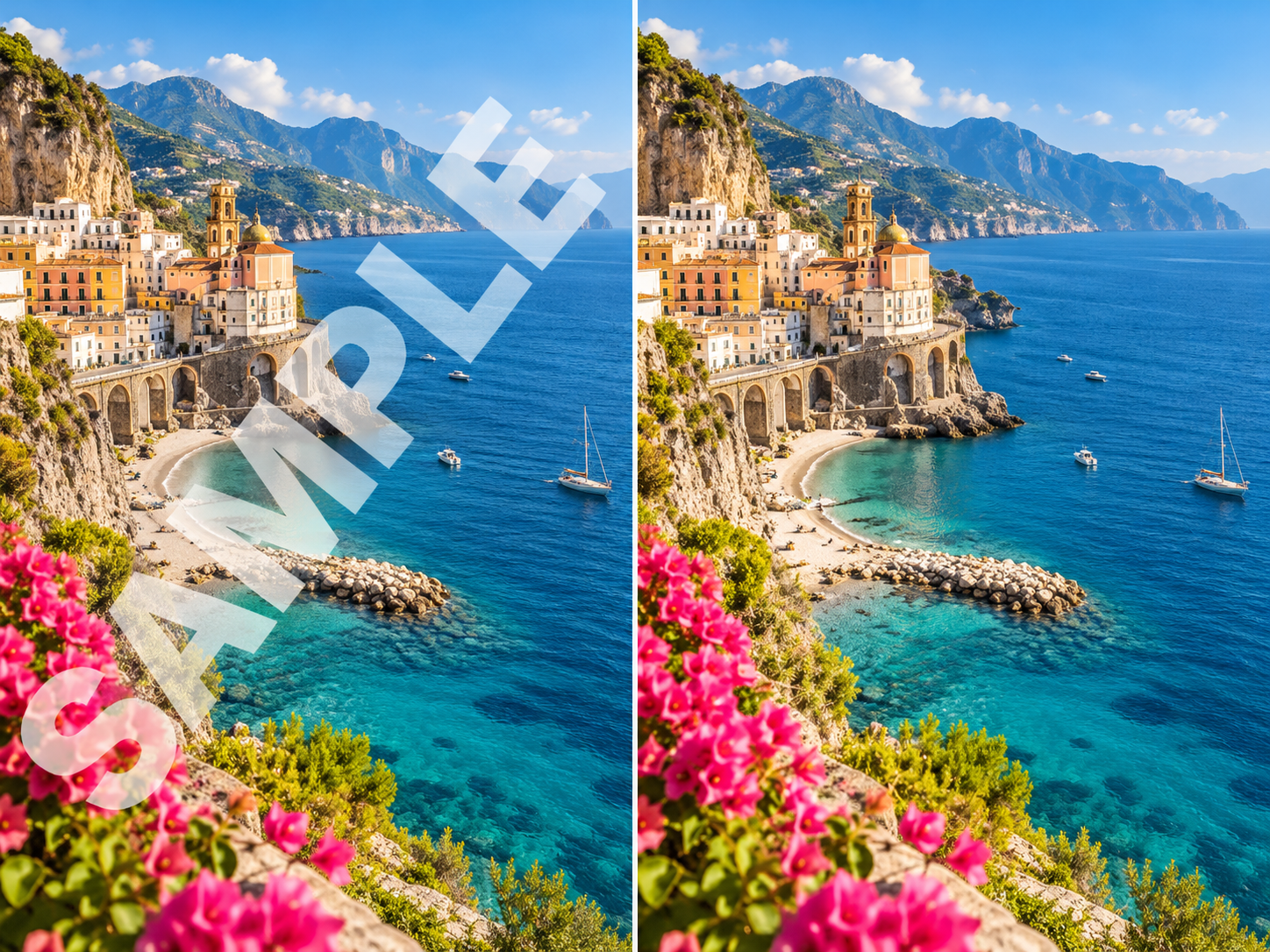 Illustrative preview
AI Watermark Remover
Clean up unwanted text and watermarks in your images.
Explore tool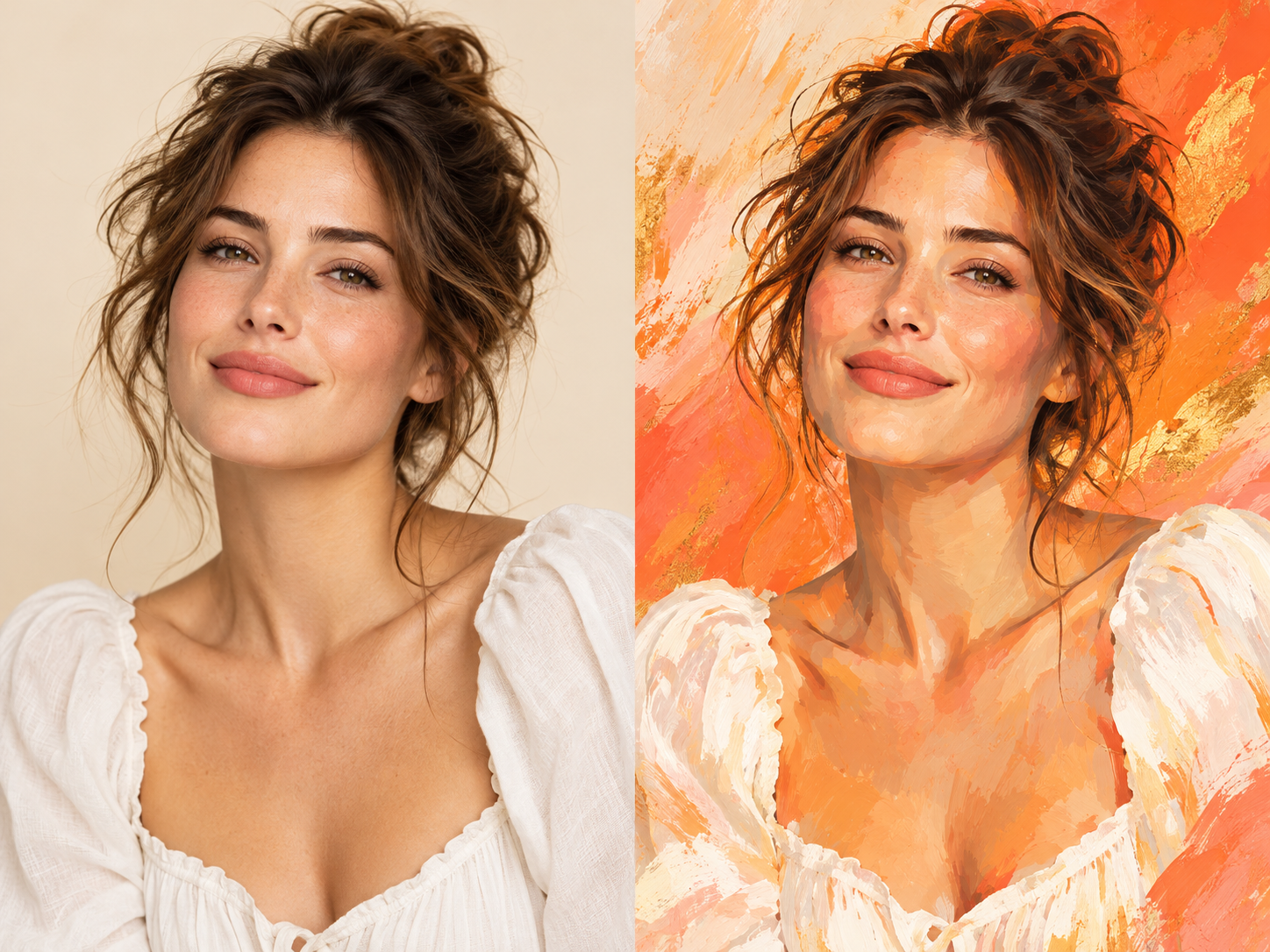 Illustrative preview
AI Style Transfer
Turn everyday photos into expressive works of art.
Explore toolA DIFFERENT STYLE · A FRESH PERSPECTIVE
Let your imagination take over
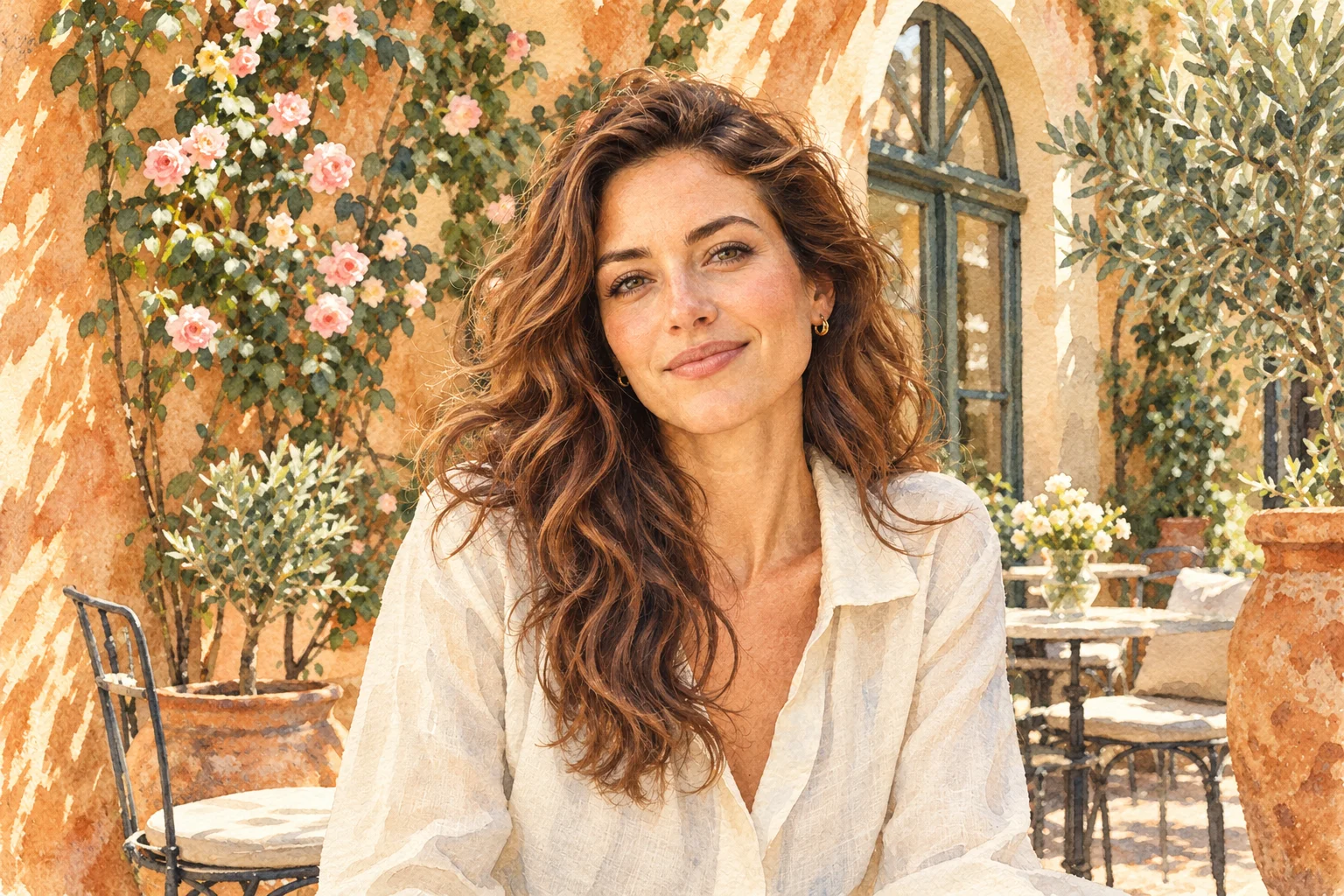
Airy watercolor, expressive brushstrokes. Find the feeling that fits your photo.

Watercolor
Soft washes · Paper texture

Oil painting
Rich pigment · Expressive strokes

Anime
Fine linework · Luminous color

Cartoon
Playful shapes · Bright colors
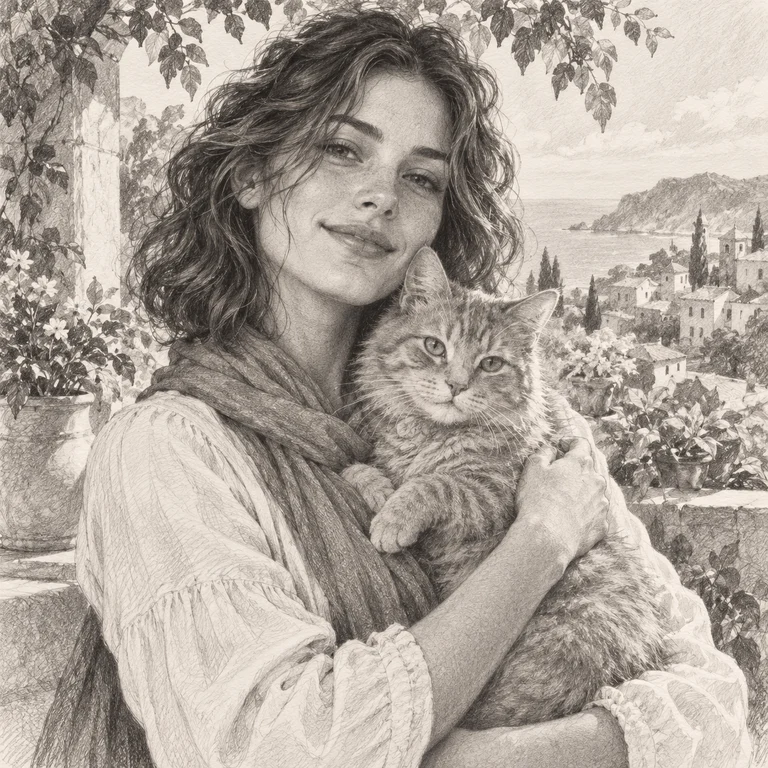
Pencil sketch
Delicate hatching · Timeless detail

Comic book
Bold ink · Vintage character

Clay art
Soft shapes · Handmade charm

Pixel art
Retro colors · Tiny worlds
Style images are illustrative. Results vary with your source image and settings.
Make room for your own ideas
Crop, adjust colors, add filters and text. All in one editor.
BEFORE YOU BEGIN
A few helpful answers
Which AI photo tool should I use?
Choose Photo Enhancer for clearer detail, Background Remover for a transparent cutout, Watermark Remover to clean up text or watermarks you have permission to remove, and Style Transfer for watercolor, oil painting, anime and more.
Can I edit photos in my browser?
Yes. Choose a tool and upload your image to begin, with no software to install. The editor shows the credit cost before AI processing. Visit the pricing page for available credit allowances.
Can I keep editing after an AI transformation?
Yes. Apply the AI result to the editor, then crop, adjust colors, add filters or text before exporting. Choose PNG when you need to preserve a transparent background.