
Online Photo Watermark Remover

Remove text, logos, dates, transparent marks, tiled overlays, and signatures. Paint multiple areas for local AI repair, or try experimental whole-image cleanup for widespread overlays. Compare before applying.

Upload PhotoUpload and select the mark in the editor1 credit per AI task after sign-in.

Visible mark cleanup

What Can a Photo Watermark Remover Remove?

A photo watermark remover needs a selection that matches the visible mark. These common cases also need different expectations when text or transparency covers faces, lettering, or detailed texture.

Removal type 1

Text Watermarks and Captions

Frame a proof label, address, or caption without selecting unrelated detail. A tight photo watermark remover selection gives the AI model useful nearby color and texture. If text crosses a face or fine hair, the photo watermark remover can only construct a plausible replacement, not reveal hidden original pixels.

Remove Text Watermarks

Removal type 2

Logos, Badges, and Corner Marks

Brush around a small logo, badge, or corner mark, or add a close rectangle. Include the full mark and its shadow with a small margin. Standard repair is a useful starting point for a plain background; compare detailed repair on patterned materials. Both local modes keep unselected pixels unchanged at the original image dimensions.

Remove a Logo
Removal type 3

Dates and Camera Timestamps

Isolate a camera date rather than changing the whole frame. A photo watermark remover can infer plain sky or walls more easily than faces, signs, or patterned clothing. Because the photo watermark remover cannot know what the camera originally captured, keep the untouched source for an authenticity and detail check.

Clear a Date Stamp
Removal type 4

Transparent and Repeated Overlays

Transparent and tiled overlays affect large areas of color and texture. Brush several marks to repair them in one local task, or try experimental whole-image repair for dense repetition. The whole-image model may also change faces, legitimate text, products, framing, and background details. It cannot guarantee complete removal or reconstruct an exact hidden original.

Open Transparent Mark Tool

Four clear steps

How to Remove Watermarks

Four practical use cases

Smart AI Watermark Removal

Explore permitted ways to update portfolios, product photos, family archives, and licensed design assets while protecting important image details.

01

Update Your Own Portfolio

Use the photo watermark remover on your own old proof signature, then add your current credit rather than erasing another creator’s attribution.

02

Refresh Product Photography

Clean a retired badge from your own product shot. Keep the photo watermark remover selection close so materials, shadows, and edges remain easy to inspect.

03

Prepare an Old Family Photo

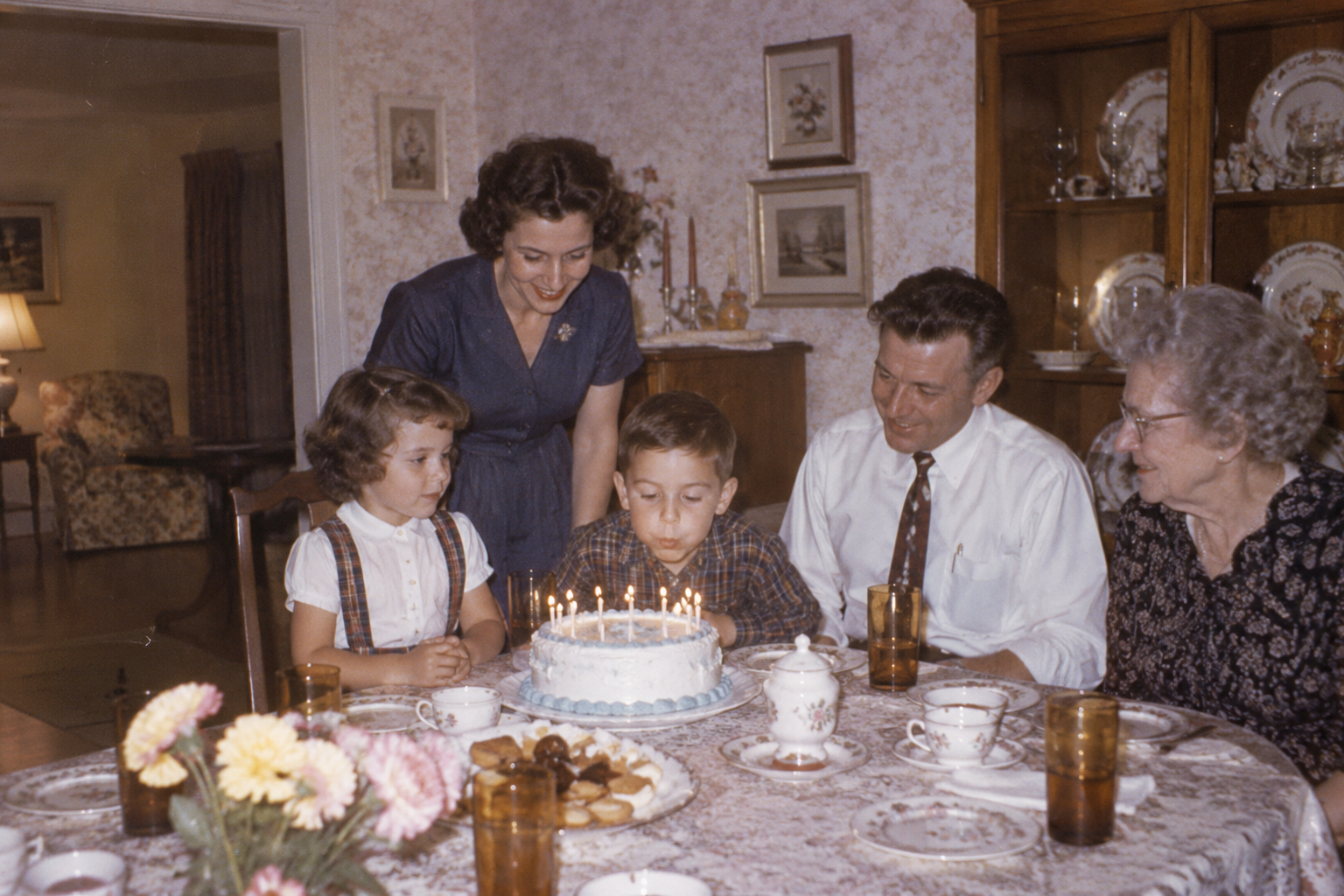
Use the photo watermark remover on an authorized family scan when a date covers a simple area. Preserve the original as evidence.

04

Adapt Licensed Design Assets

A photo watermark remover can define the mark area when a license allows modification, before the approved asset enters a new layout.

Designed for informed editing

Why Use This Photo Watermark Remover?

Choose standard LaMa repair for small marks, compare Bria detailed repair for complex edges, or try Qwen whole-image editing for widespread overlays. Local modes preserve unselected pixels. Whole-image editing can change the entire scene, so inspect faces, labels, geometry, and texture before applying any result.

Brush and Multiple Regions

Paint letters and signatures, add several rectangles, erase protected detail, and undo strokes. All selected marks are submitted as one task. No automatic detection is claimed for local repair.

Detail-First Review

Faces, fine type, hair, and architecture need scrutiny because hidden pixels can only be plausibly reconstructed.

Browser-Based Editing

The photo watermark remover loads photos locally. Starting a task uploads the image to private storage and sends it to Replicate for processing.

Clear Processing Limits

Local repair keeps original dimensions; its repair region is processed at up to 2048 px. Whole-image repair processes up to 1536 px, then returns the original dimensions. This does not restore lost detail. Each task uses 1 credit; failed and confirmed canceled tasks refund it.

Questions before you edit

Photo Watermark Remover FAQ

Learn about selections, cloud AI processing, account credits, downloads, and the practical limits of image reconstruction.

Less distraction. More imagination.

Let Your Images Shine, Watermark-Free

Give your favorite images a cleaner canvas. Open the photo watermark remover to select unwanted text, logos, or date stamps and put the focus back on what matters.

  • Precise area selection
  • Multiple watermark types
  • Works in your browser
Try Photo Watermark Remover
Whimsical garden painting of a cat with a clean main image and a watermarked inset at the bottom leftBeforeAfter