AI Photo Style Transfer

Give a favorite photo the softness of watercolor, the texture of oil paint, or the charm of anime. AI photo style transfer starts with your subject, then reimagines its colors, lines, and materials.

Upload Your PhotoChoose a style in the editorSign in · 1 credit per generation · JPG, PNG, WebP
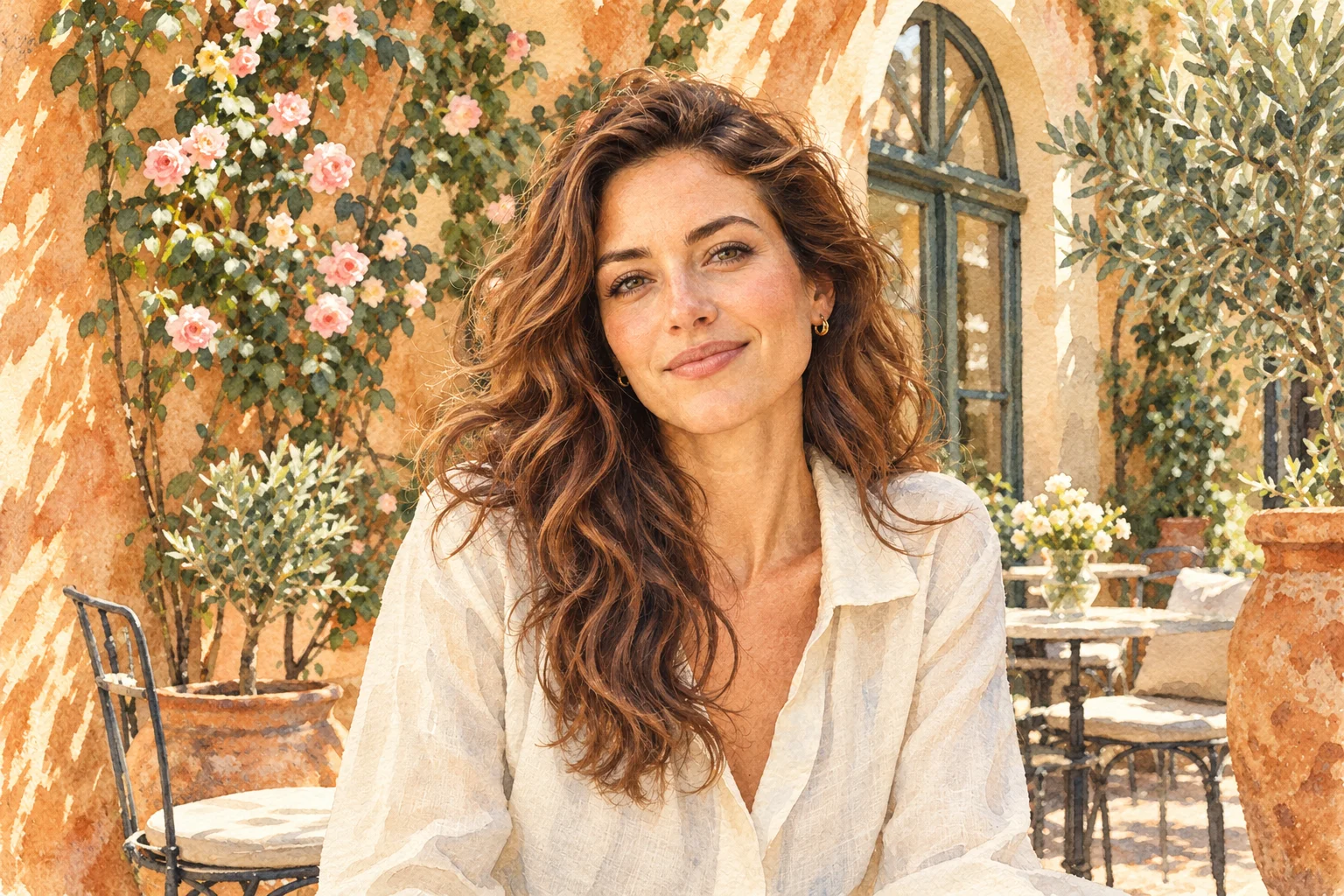
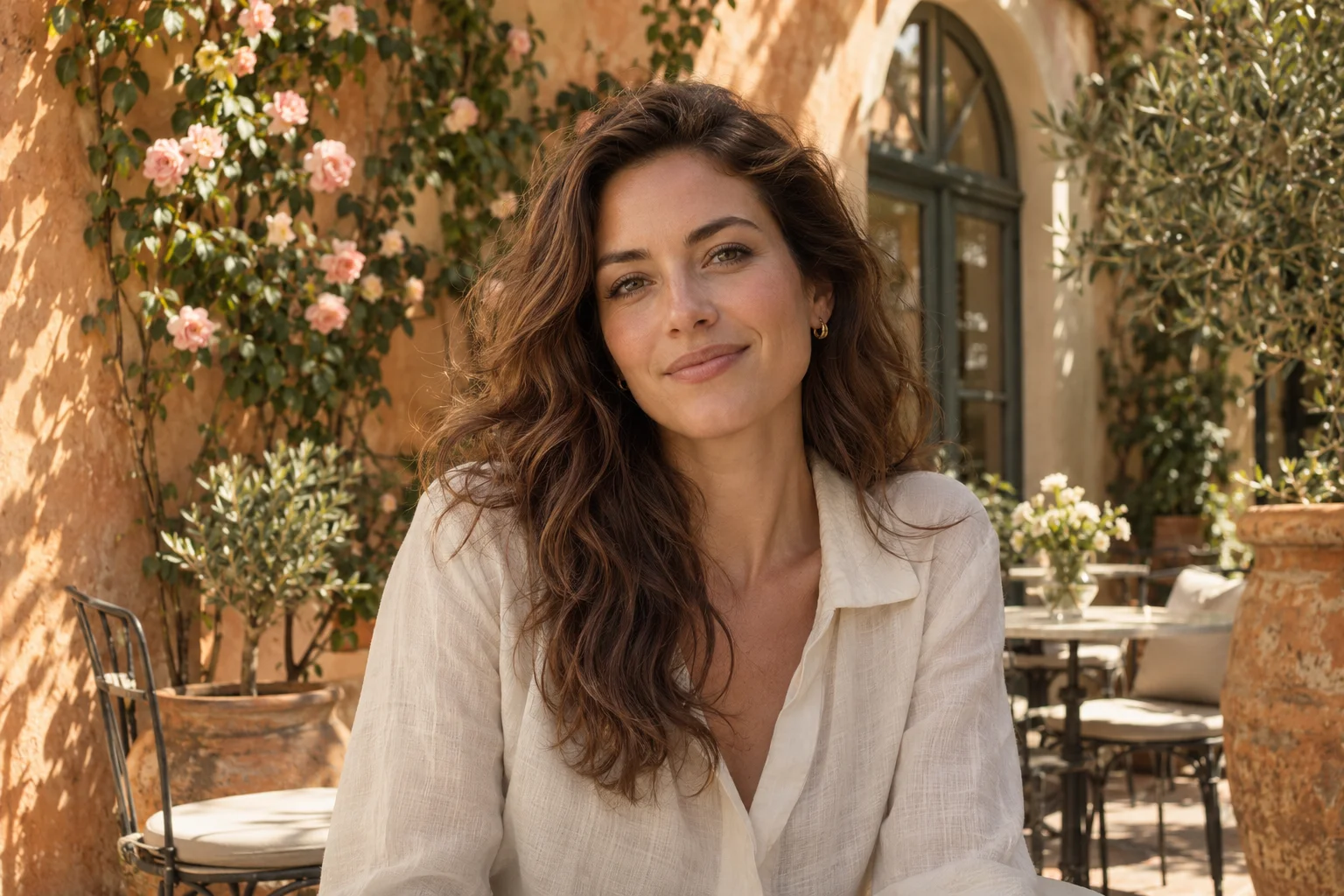
Original photoWatercolor
↔

Find your medium

Turn Photos into Paintings, Anime & More

Choose the look around your subject. AI photo style transfer can emphasize brushwork, simplify a busy scene, or turn familiar details into a handcrafted world.

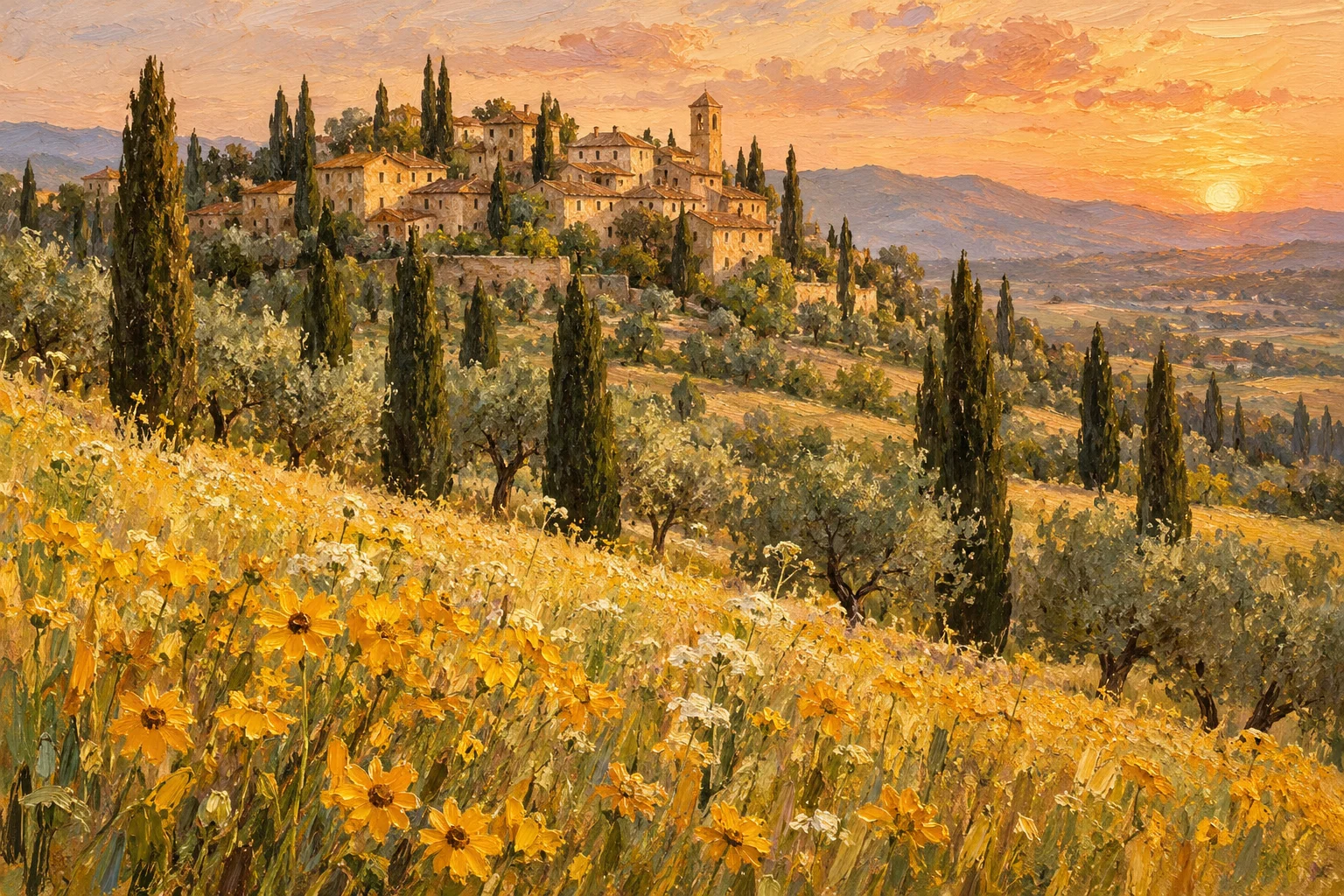
Warm oil painting of a Tuscan village, cypress trees and golden wildflowers

Photo to Oil Painting

Give travel photos and landscapes layered brushwork and rich color. Clear silhouettes help architecture stay readable beneath the texture.

Try this style
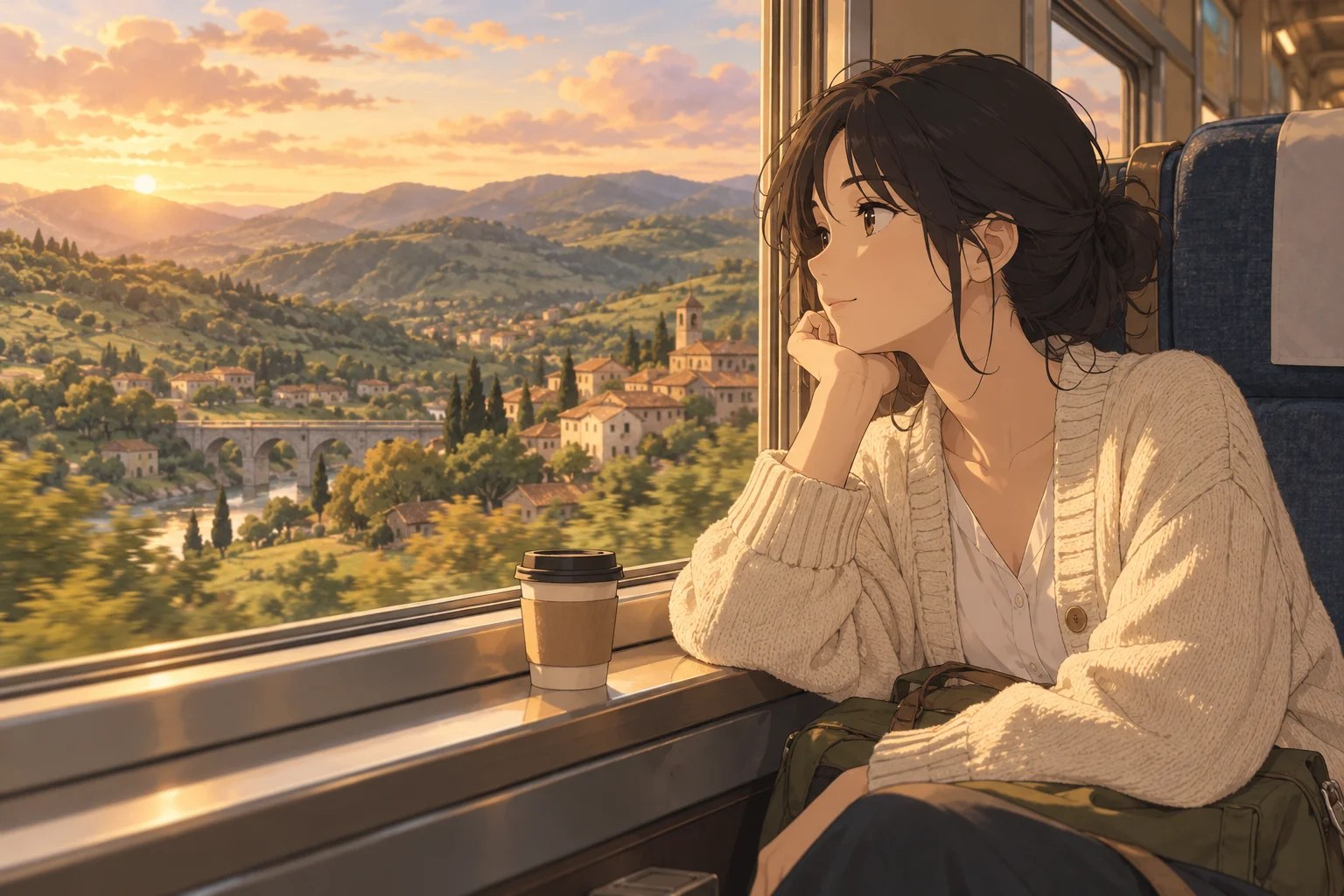
Original anime illustration of a traveler beside a sunlit train window

Photo to Anime

Explore clean outlines and expressive shading for portraits and everyday scenes. Review eyes, hands, and small accessories before saving a favorite.

Try this style
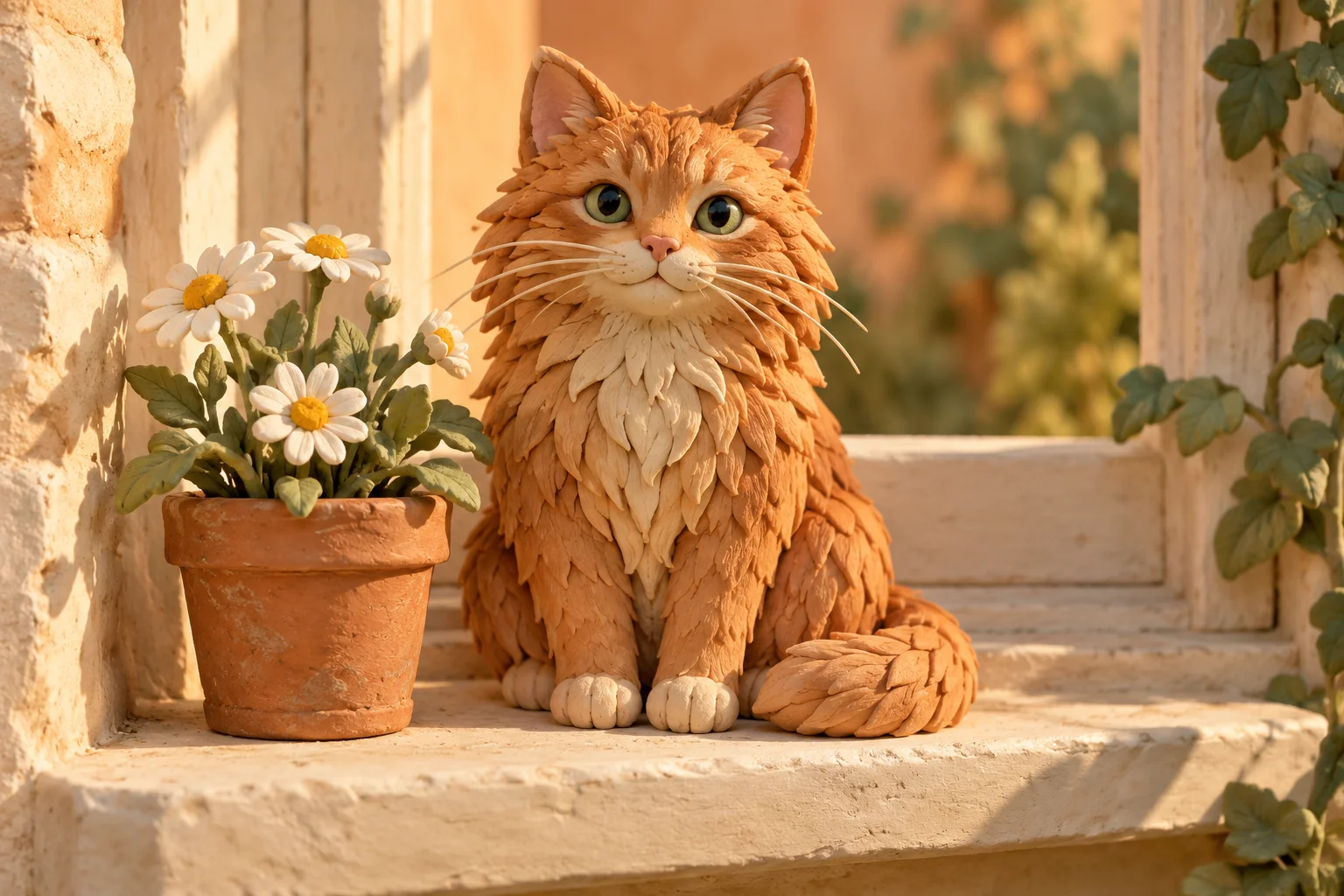
Handcrafted clay ginger cat beside daisies on a cottage windowsill

Photo to Clay Art

Give pets and simple objects a miniature, handmade character. Rounded shapes and uncluttered backgrounds make the sculpted look easier to read.

Try this style

More ways to restyle your photo

Three starting points

Choose a Preset, Describe a Look, or Match a Reference

You do not need to know an artist's name. Start AI photo style transfer with a medium, a short description, or an image whose visual character you like.
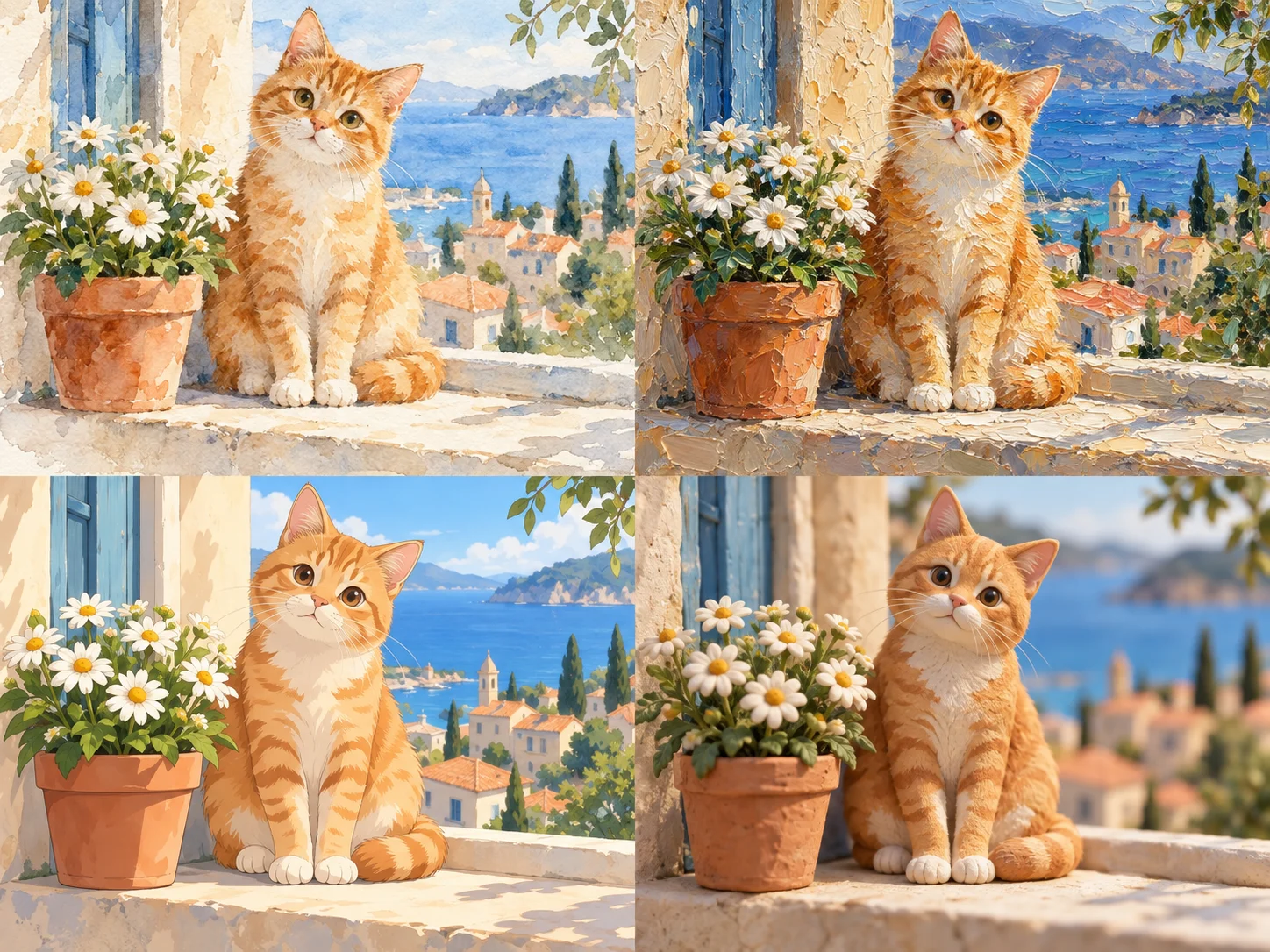
The same ginger cat in watercolor, oil painting, anime and clay art styles
Creative path 1

Start with a preset

Choose watercolor, oil, anime, cartoon, sketch, comic, clay, or pixel art. Begin with Balanced intensity, then compare how the medium changes your subject.

Explore presets
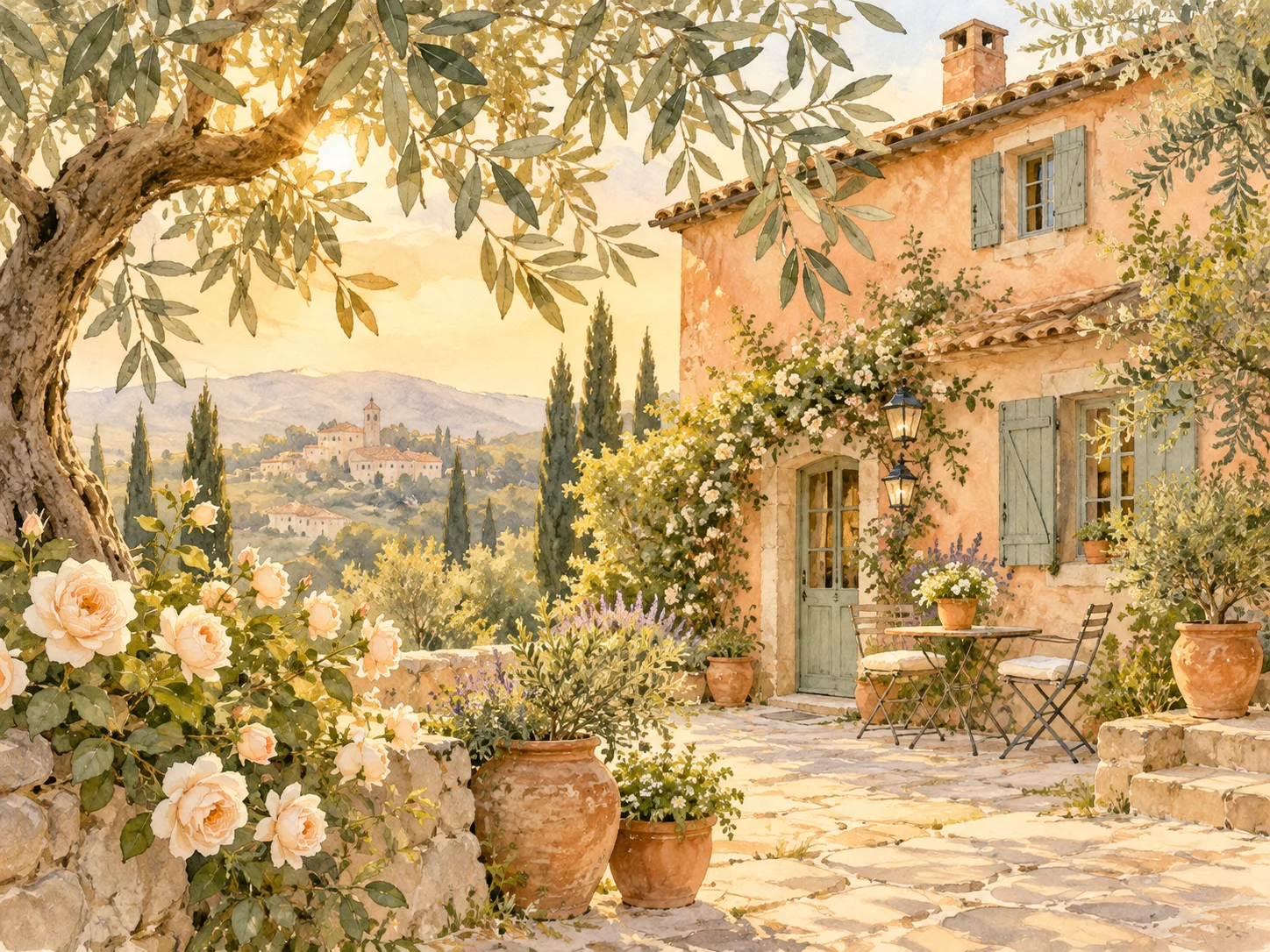
Peach-colored garden cottage illustrated with warm ink lines and soft sage-green watercolor
Creative path 2

Describe your direction

Name the medium, palette, and texture. A specific direction such as warm ink lines and pale watercolor washes is more useful than simply asking for beautiful art.

Describe your style
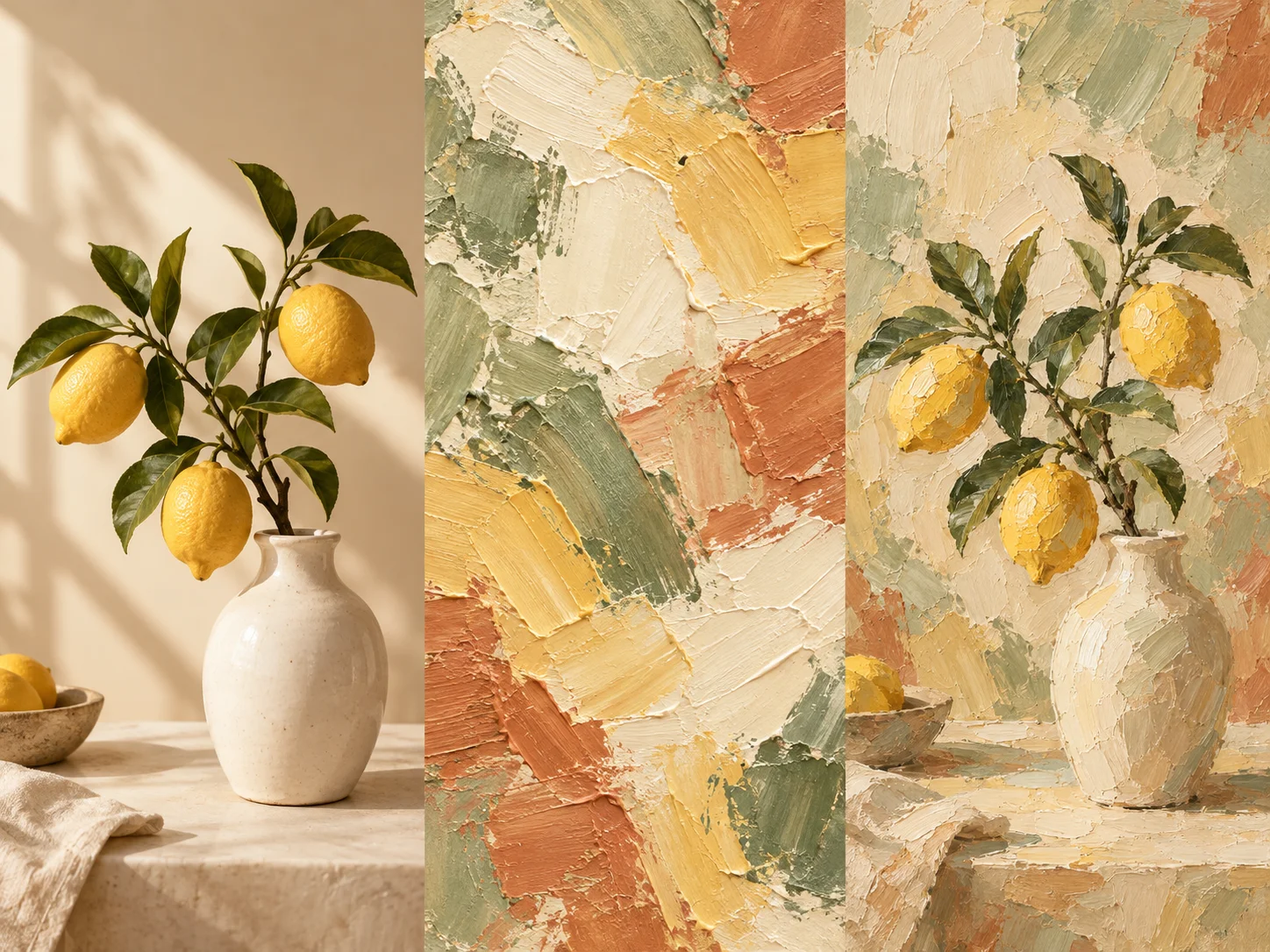
A lemon vase photo, an abstract oil painting reference and the vase restyled with the same brushwork
Creative path 3

Bring a style reference

Use your first image for the subject and a second for its visual style. The reference guides color and texture; it is not meant to replace your subject.

Try a reference image
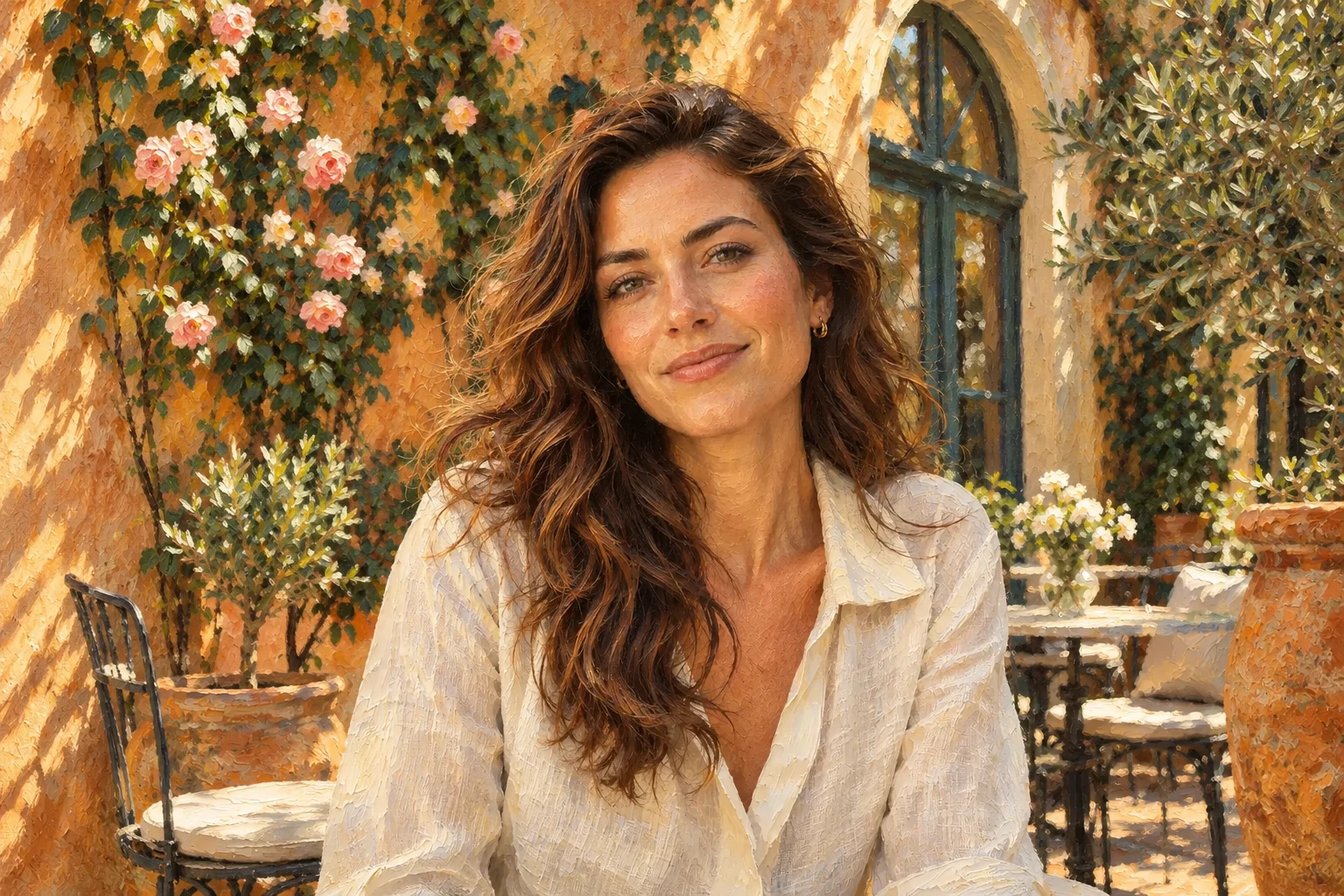
Original photoOil painting
↔

How to Change a Photo's Art Style Online

Keep what makes it yours

Balance Artistic Texture with a Recognizable Subject

For AI photo style transfer, more intensity is not always better. Start gently for faces, and try stronger texture when the scene matters more than tiny details.

Explore style intensityBalanced
SubtleBold
Need a clearer source photo first?

If a face drifts, lower the intensity and simplify the prompt. Style transfer can redraw details; an exact match is not guaranteed.

Make something personal

Artistic Portraits, Travel Keepsakes & Creative Content

Use AI photo style transfer to explore a visual direction before choosing the image you want to share.

Portraits & pet gifts

Try watercolor for a gentle portrait or clay for a playful pet. Check recognizable markings and facial features before planning a gift.

Travel & home artwork

Turn a favorite street, garden, or house into a painterly memory. Check the downloaded dimensions against the size of any planned print.

Social & editorial visuals

Reuse the same reference and style description across individual photos. Compare the set for consistency, and add important text after stylizing.

Before you create

Photo-to-Art & Image Style Transfer FAQ

Practical answers about resemblance, reference images, credits, and downloads.

AI photo style transfer redraws an existing image in a different artistic medium. It changes lines, texture, and color while aiming to retain the subject and composition. Unlike a color filter, it can reinterpret shapes and fine details.

Yes. Choose Watercolor for soft washes and paper texture, or Pencil sketch for monochrome graphite and hatching. Clear lighting and a simple background are useful starting points. Oil, anime, cartoon, comic, clay, and pixel presets are also available.

The tool aims to preserve identity, expression, and pose, but eyes, hands, jewelry, and text can change. Start with Subtle intensity for portraits, avoid conflicting instructions, and compare the result before applying it.

Select Reference image and upload a second picture. Your original supplies the subject; the reference guides its medium, texture, and palette. Choose a reference with a clearly visible style. Matching is approximate, and a different reference may work better.

Sign in and use your available account credits, including any complimentary credits. Each generation costs 1 credit. Failed or confirmed canceled tasks refund the reserved credit. Opening and exporting an existing AI result does not charge another credit.

Upload JPG, PNG, or WebP up to 20 MB and 64 MP. Inputs are prepared at up to 1536 pixels on the long edge; output is at most 2048 pixels on the long edge, depending on the model. Export PNG, JPG, or WebP. This is not a resolution upscaler or a transparency-preserving workflow.

Use a mobile or desktop browser. Generation uploads originals and any reference to cloud storage and sends them to Replicate for processing. Source images and results are saved privately to your account's Projects. Upload photos you are comfortable sharing with these services.

Use the same reference, description, intensity, and model for each image. Process photos individually, then compare skin tones, texture, and contrast across the set. Consistency is a goal, not a guarantee; varied lighting and compositions can produce different results.
Your next creative direction

Give Your Favorite Photo a New Art Style

Open AI photo style transfer, choose a medium, and make an image that feels like yours.
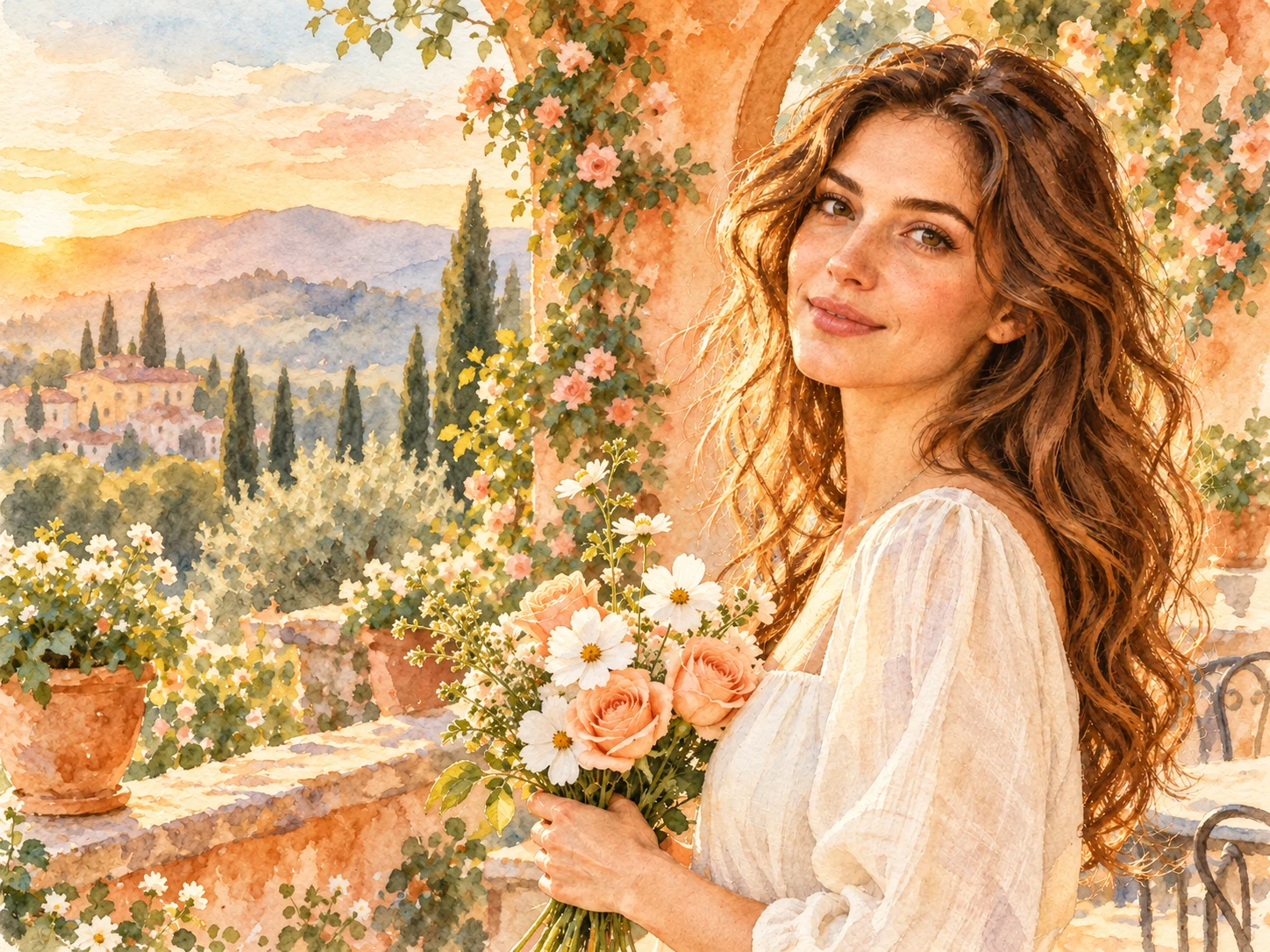
  • Presets or your own reference
  • 1 credit per generation
  • Saved project results
Turn My Photo into Art
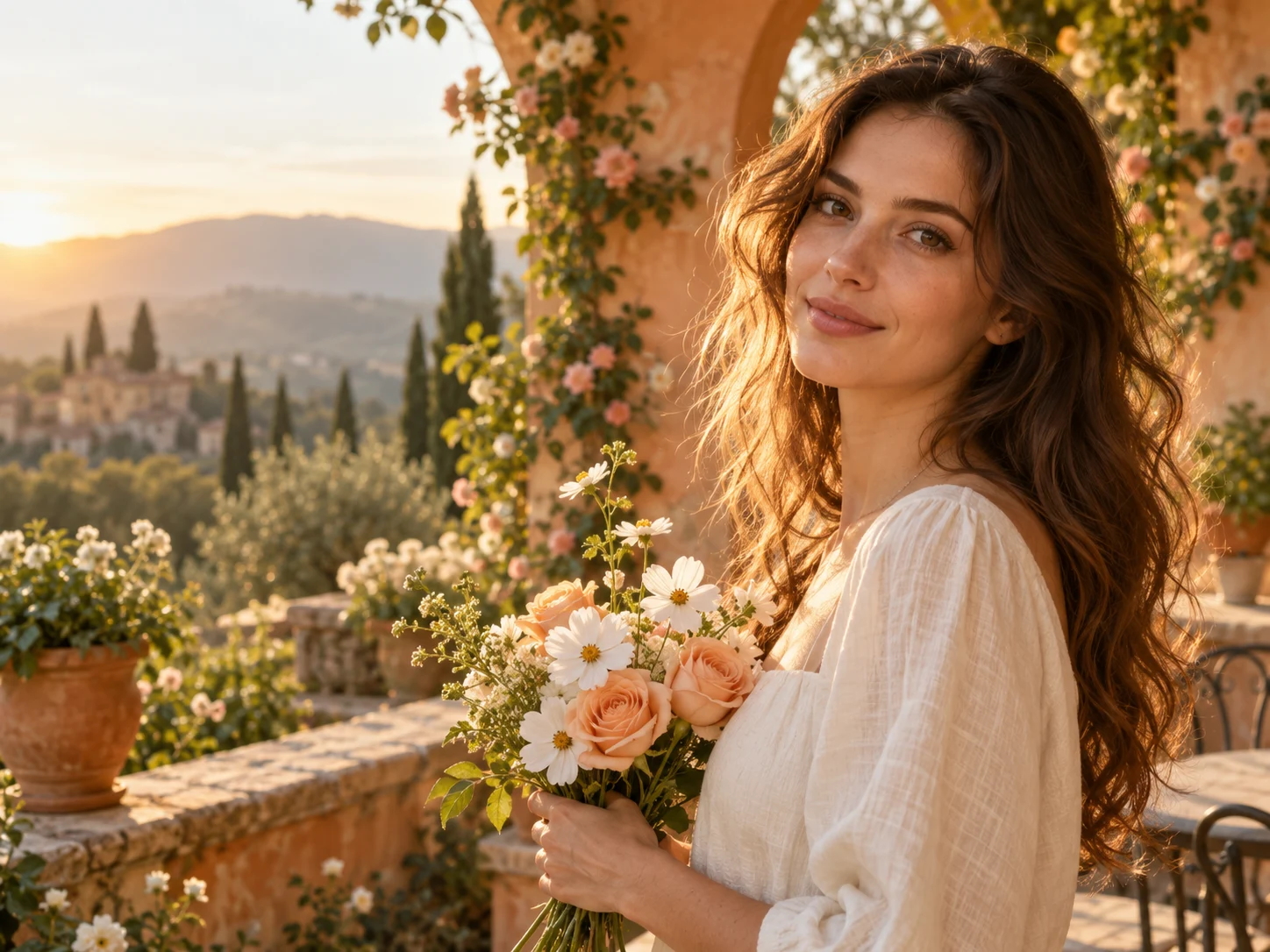
Luminous watercolor portrait of a woman holding peach roses on a golden garden terraceWatercolor artwork
Original photograph of the same woman holding flowers on a sunlit garden terrace
Original photo