Free AI Photo Editor: Edit, Enhance & Generate Photos Online

All-in-one Free AI Photo Editor

How to Use Free AI Photo Editor?

Edit photos online in three simple steps: upload a JPG, PNG, or WebP image, choose the tool you need, then preview and export your finished photo. No complicated software or editing experience required.

  1. 01

    Upload Your Image

    Open the free AI photo editor and upload a JPG, PNG, or WebP image from your device, or start quickly with one of the sample photos.

  2. 02

    Choose a Photo Editing Tool

    Use Adjust for color and light, Crop for framing, or open focused tools such as Relight and Photo Enhancer from the editor menu.

  3. 03

    Preview, Compare, and Export

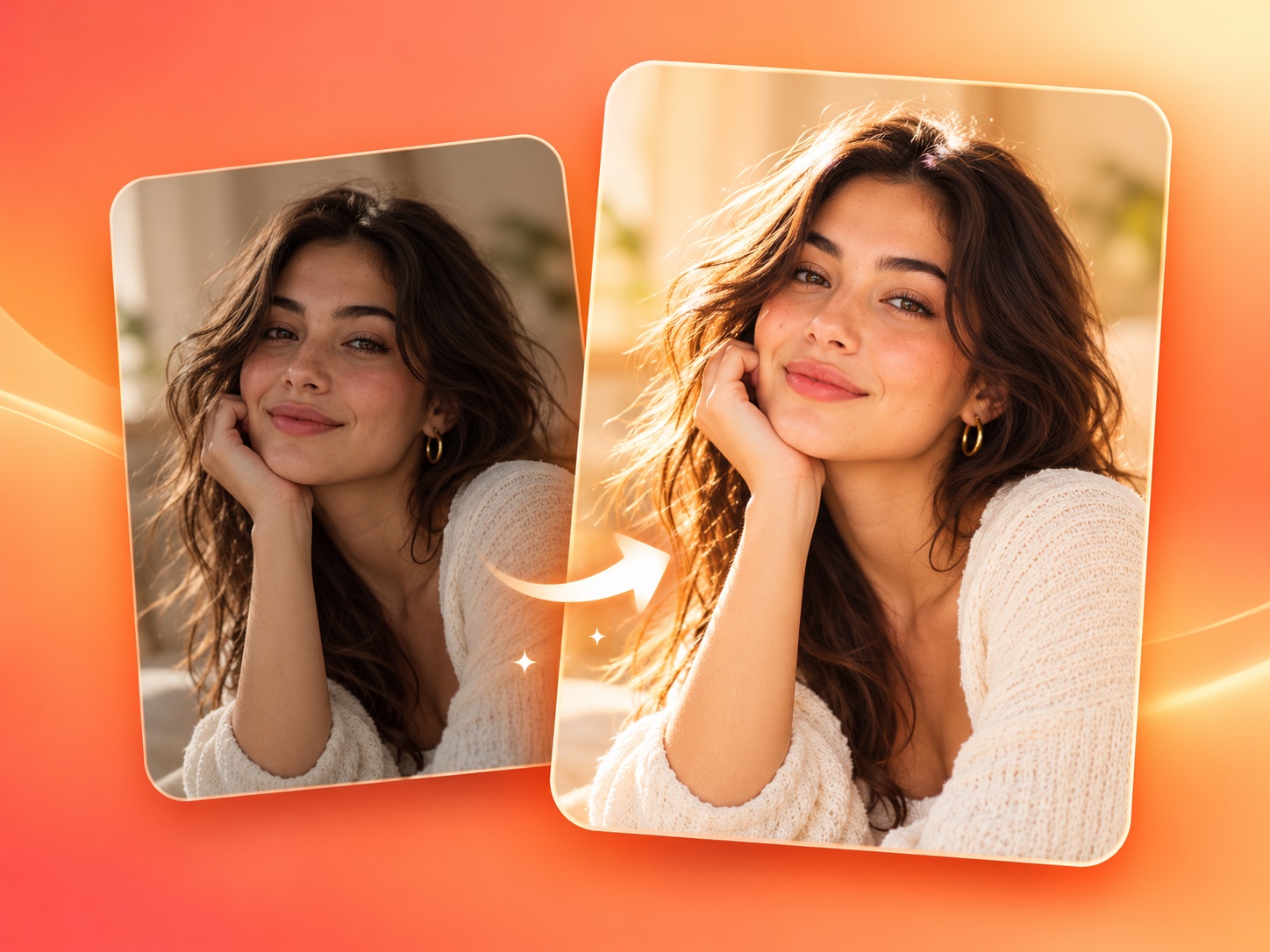
    Review changes on the canvas, compare the edited photo with the original, undo or redo if needed, then export the finished image to your device.

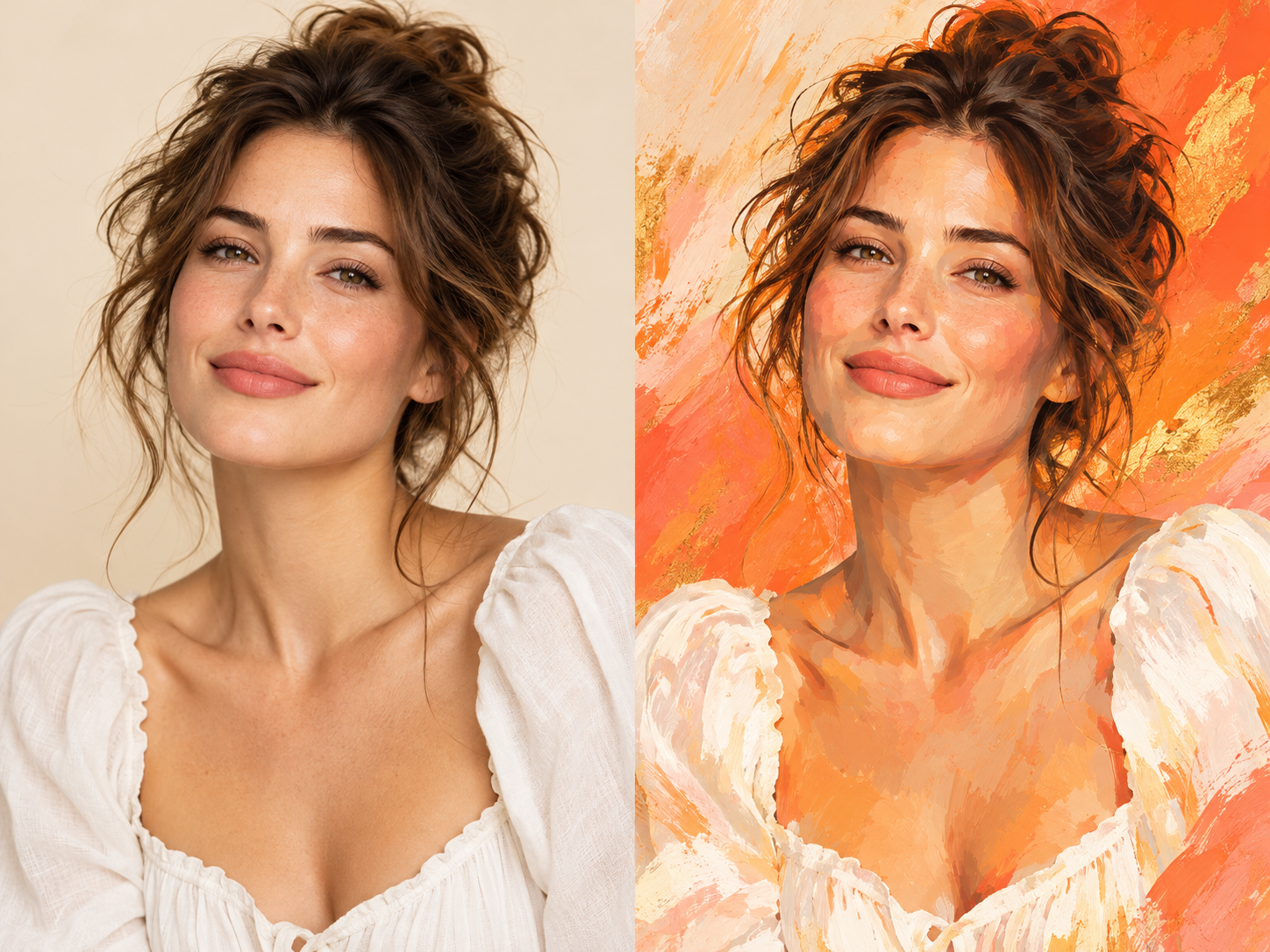
Before and after portrait showing a free AI photo editor enhancement on a warm orange background

What Are Features of Free AI Photo Editor?

A useful free AI photo editor should make everyday image cleanup and creative editing fast and understandable. Remove unwanted objects, create clean backgrounds, enhance photo quality, and transform visual styles in one browser-based workspace designed for portraits, product images, social posts, and creative projects.

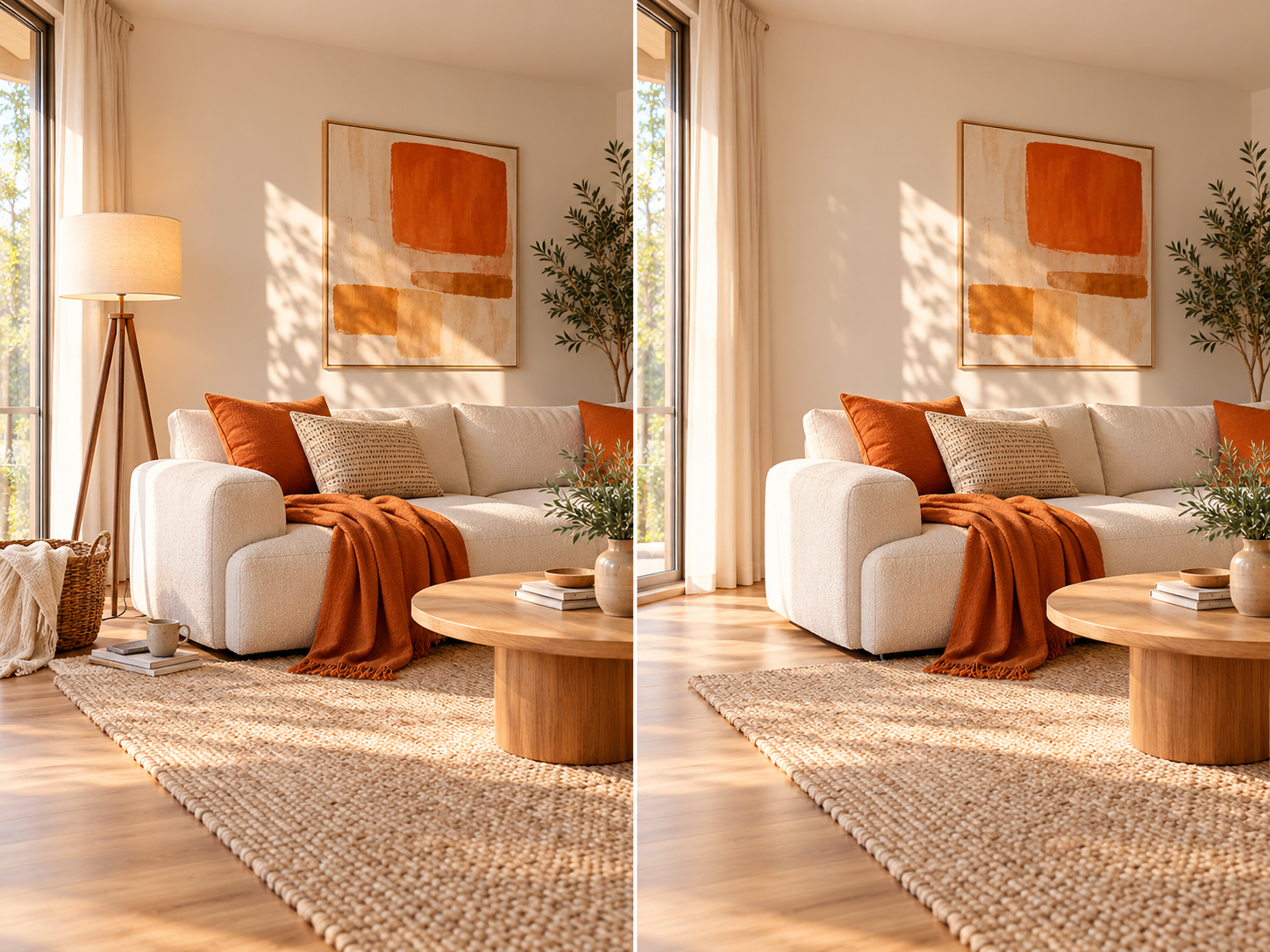
Warm orange living room before and after unwanted objects are removed with a free AI photo editor
Feature 1

Remove Unwanted Objects with AI Magic Eraser

Clean up photobombers, signs, cables, blemishes, or distracting objects without rebuilding the photo by hand. Brush over the area you want to erase and the free AI photo editor uses the surrounding texture, color, and light to create a natural-looking repair. It is a quick way to simplify travel photos, product shots, portraits, and social media images.

Try Magic Eraser
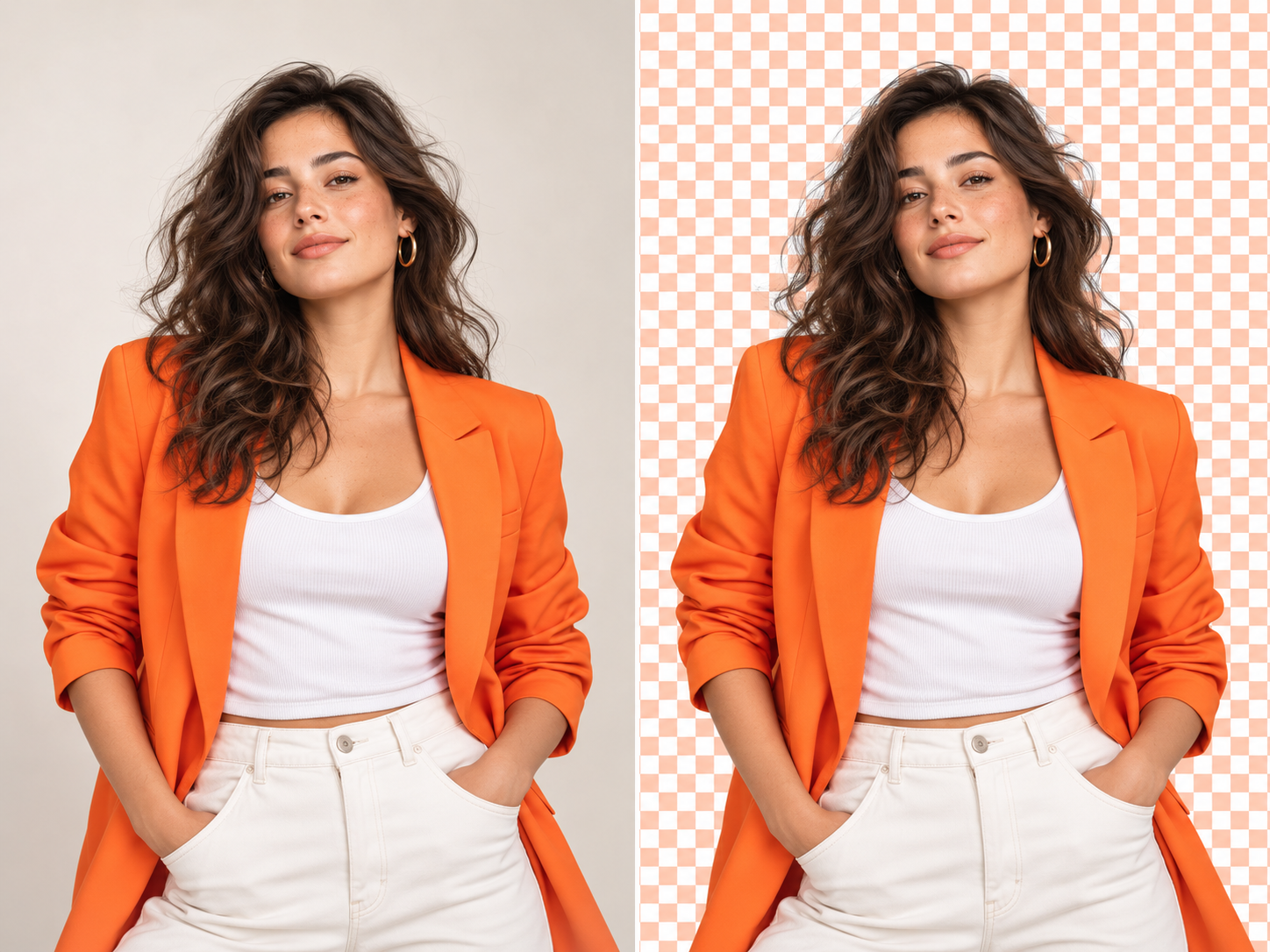
Woman in an orange jacket before and after precise AI background removal
Feature 2

Remove and Replace Photo Backgrounds

Separate a person or product from a busy scene and prepare a clean cutout for a white background, branded color, or new environment. The free AI photo editor is designed to preserve detailed edges around hair, clothing, and transparent objects, helping store listings, profile photos, presentations, and campaign graphics look polished without complicated layers.

Remove a Background
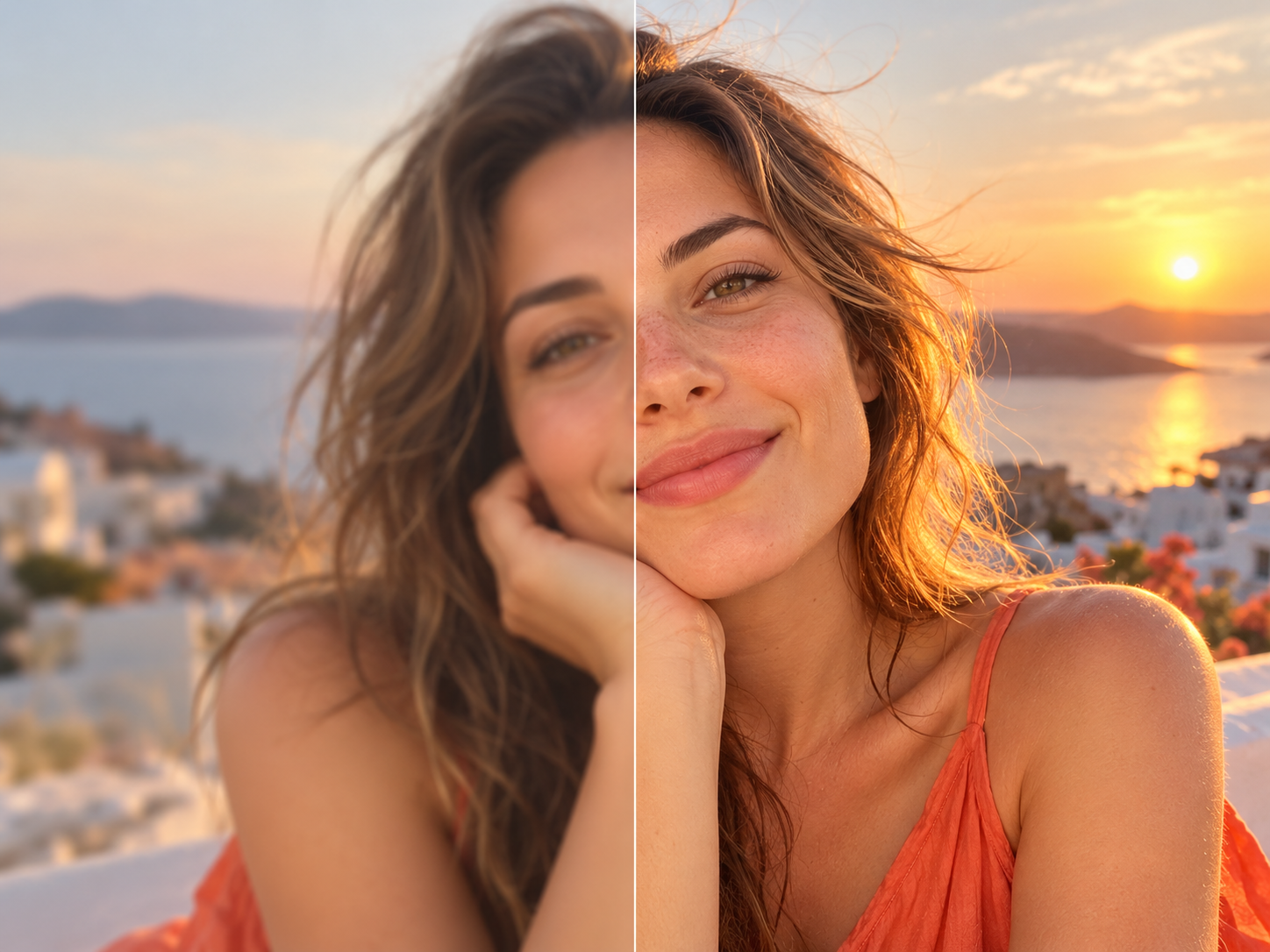
Outdoor portrait before and after natural photo enhancement with warm orange light
Feature 3

Enhance Photos and Upscale Image Quality

Improve a soft, dim, noisy, or low-resolution image with clearer details, balanced contrast, and more natural color. The free AI photo editor helps enhance portraits, old photos, landscapes, and product images while avoiding harsh sharpening and artificial skin texture. You can then prepare the improved photo for larger screens, online stores, printing, or high-resolution sharing.

Enhance a Photo
Portrait before and after an orange painterly AI style transformation
Feature 4

Transform Photos with Creative AI Styles

Turn an everyday portrait or scene into a polished illustration, painting, or editorial artwork while keeping the original subject recognizable. The free AI photo editor applies color, texture, and brushwork as one consistent visual style, giving profile images, social posts, invitations, and creative campaigns a distinctive look without requiring manual masking or painting skills.

Transform a Photo

4 Featured AI Edits

What You Can Create

Portrait before and after a natural photo enhancement01

Photo Enhancer

Portrait Glow-Up

Bring soft light, natural color, and crisp detail back to a favorite portrait. The AI photo editor improves the image while keeping skin and hair believable.

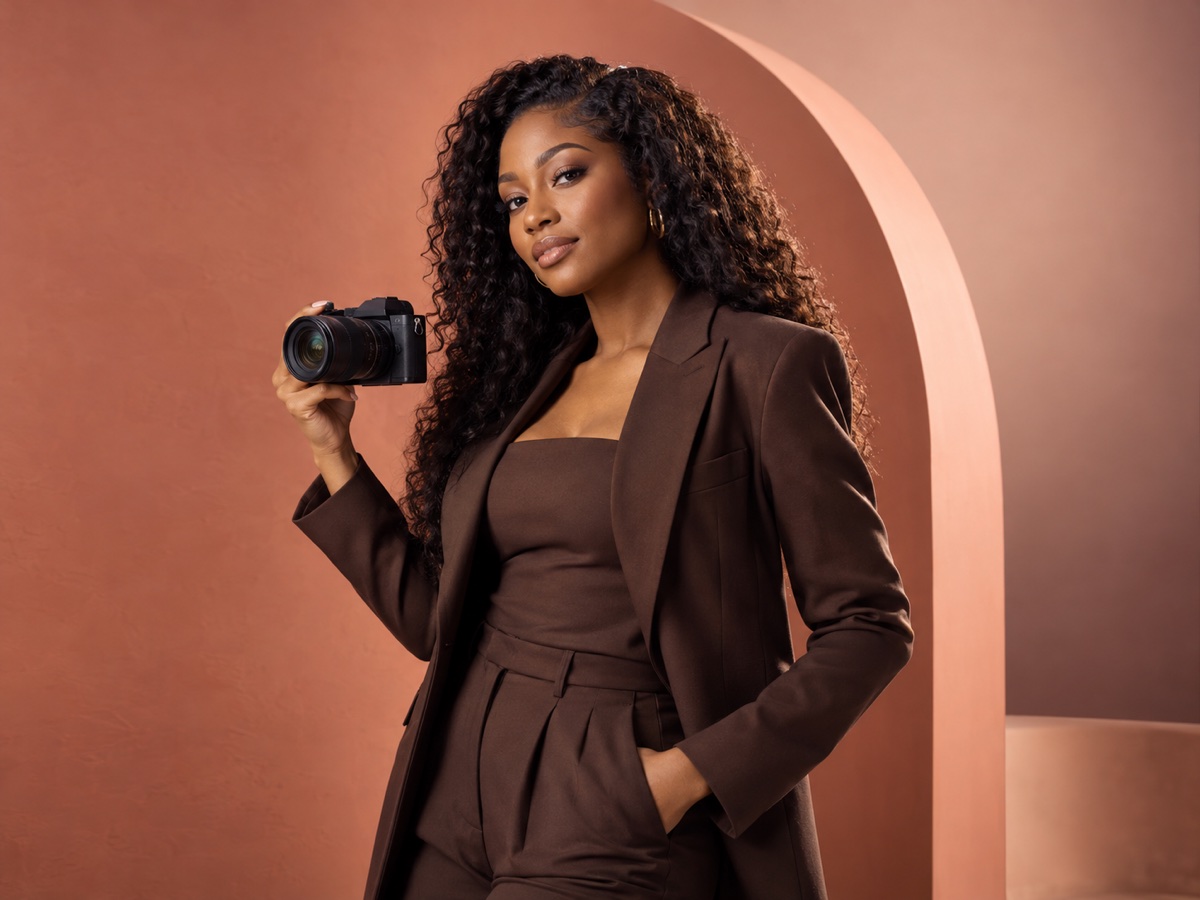
Photographer before and after an AI background replacement02

Background Remover

Studio Background

Turn a busy room into a clean, vivid backdrop in one focused workflow. The AI photo editor keeps the subject sharp around hair, clothing, and camera edges.

Portrait before and after a colorful painted style transformation03

Style Transfer

Painted Portrait

Explore a bold editorial look without losing the character of the original portrait. The AI photo editor blends expressive color with recognizable facial details.

Travel photo before and after an unwanted overlay is removed04

Watermark Remover

Clean Travel Shot

Remove an unwanted overlay and restore the view beneath it for a cleaner composition. The AI photo editor rebuilds nearby color and texture for a natural result.

Why start free

Why Use a Free AI Photo Editor?

Most people need a quick result, not a complicated setup. A free AI photo editor lets you explore the workspace with your own image before creating an account. Enhance photo quality, remove distractions, change a background, or prepare a larger export in one clear browser-based workflow.

The first preview requires no signup and stays on your device. Free and premium limits will be explained before processing, so beginners can edit with confidence and creators can move faster without hidden steps.

Try before you commit

Preview the AI photo editor with your own image before creating an account or choosing a plan.

Built for quick results

Each AI photo editor tool focuses on one clear result, reducing setup time and unnecessary controls.

Privacy-aware preview

The AI photo editor preview stays in your browser and does not send the selected file to a server.

Clear product limits

Free and premium features will be labeled clearly as processing capabilities are added.

SIMPLE PHOTO PRICING

A plan for every photo project

3 free credits every day. AI edits from 1 credit each.

Free

$0.00forever

No sign-up for basic edits; AI requires login

3 free credits every day· Up to 3 images

  • Resets daily; unused credits expire
  • Standard AI photo editing tools
  • 512MB cloud storage
  • Manual crop, adjustments & downloads
Start free

Starter

$5.75/ month

$69.00 billed yearly

20 credits each month· Up to 20 images

  • Monthly credits; no rollover
  • All AI photo editing tools included
  • AI magic tools included
  • 10GB cloud storage
  • Priority support
  • Manual crop, adjustments & downloads

Creator

Recommended
$15.75/ month

$189.00 billed yearly

60 credits each month· Up to 60 images

  • Monthly credits; no rollover
  • All AI photo editing tools included
  • AI magic tools included
  • 10GB cloud storage
  • Priority support
  • Manual crop, adjustments & downloads

Studio

$34.92/ month

$419.00 billed yearly

150 credits each month· Up to 150 images

  • Monthly credits; no rollover
  • All AI photo editing tools included
  • AI magic tools included
  • 10GB cloud storage
  • Priority support
  • Manual crop, adjustments & downloads

Prices are in USD; taxes appear at checkout. Maximum image counts assume 1 credit per edit. Magic Edit uses 1–3 credits depending on settings; repeat edits count separately.

Questions answered

AI Photo Editor & Photo Enhancer FAQ

Straightforward answers about free online photo editing, enhancement, apps, quality, privacy, and the tools included in this all-in-one workspace.

Yes. The current AI photo editor is free to explore, and you can upload an image for a local visual preview without creating an account. As real AI processing is connected, core tools will keep a free entry point while heavier processing, larger exports, or higher usage limits may require credits or a paid plan. Any limit will be shown before processing begins.

A free AI photo editor online works directly in a modern browser, so you do not need to install a desktop package before trying the workflow. This AI photo editor brings enhancement, cleanup, background tools, retouching, upscaling, and image generation into one responsive workspace. The current local preview also keeps the selected file on your device until server-side AI features are added.

The first release is a responsive web AI photo editor that works across desktop, tablet, and mobile browsers. A dedicated AI photo editor app may be considered later, but the web experience is the priority because it offers immediate access, easier updates, and a consistent workspace without asking every visitor to download software first.

The best AI photo editor free option should match the result you need, preserve natural detail, explain privacy clearly, and avoid hiding basic exports behind unnecessary steps. Compare tools using the same test photo. A practical AI photo editor should produce a believable result, remain easy to navigate on your device, and tell you about resolution, watermarks, or credit limits before you invest time.

A photo enhancer free tool improves an image that looks dim, flat, noisy, faded, or slightly soft. Inside this AI photo editor, enhancement is intended to balance exposure, recover useful detail, improve color, and add measured sharpness while avoiding overprocessed faces and harsh edges. It is useful for portraits, products, travel photos, scanned memories, and social content.

Yes. The photo enhancer online workflow is designed to run in your browser. Upload a supported image, choose enhancement, preview the change, and export when processing is available. Keeping the photo enhancer inside the AI photo editor also means you can continue with background cleanup, object removal, retouching, or upscaling without moving the file between several services.

An AI photo editor can upscale an image toward a 4K-sized output and improve visible detail, but it cannot perfectly recover information that was never captured. The planned Enhance Photo 4K workflow will combine upscaling, noise cleanup, and controlled sharpening. Final quality will still depend on the source image, subject, compression, motion blur, and the dimensions required for the intended screen or print.

The best photo enhancer online should improve clarity without changing identity, inventing strange textures, or pushing every color too far. Look for an AI photo editor with a clear before-and-after preview, natural face handling, useful export sizes, transparent privacy information, and predictable pricing. A strong enhancer should make the original photo look better, not make it look like a different image.
No signup required

Make Your Next Photo Better in Minutes

Open the AI photo editor, add an image, and explore a simpler path from everyday photo to polished result. It is free to preview, browser based, and ready for the next phase of AI editing tools.

  • Free to preview
  • Works in your browser
Try the AI Photo Editor
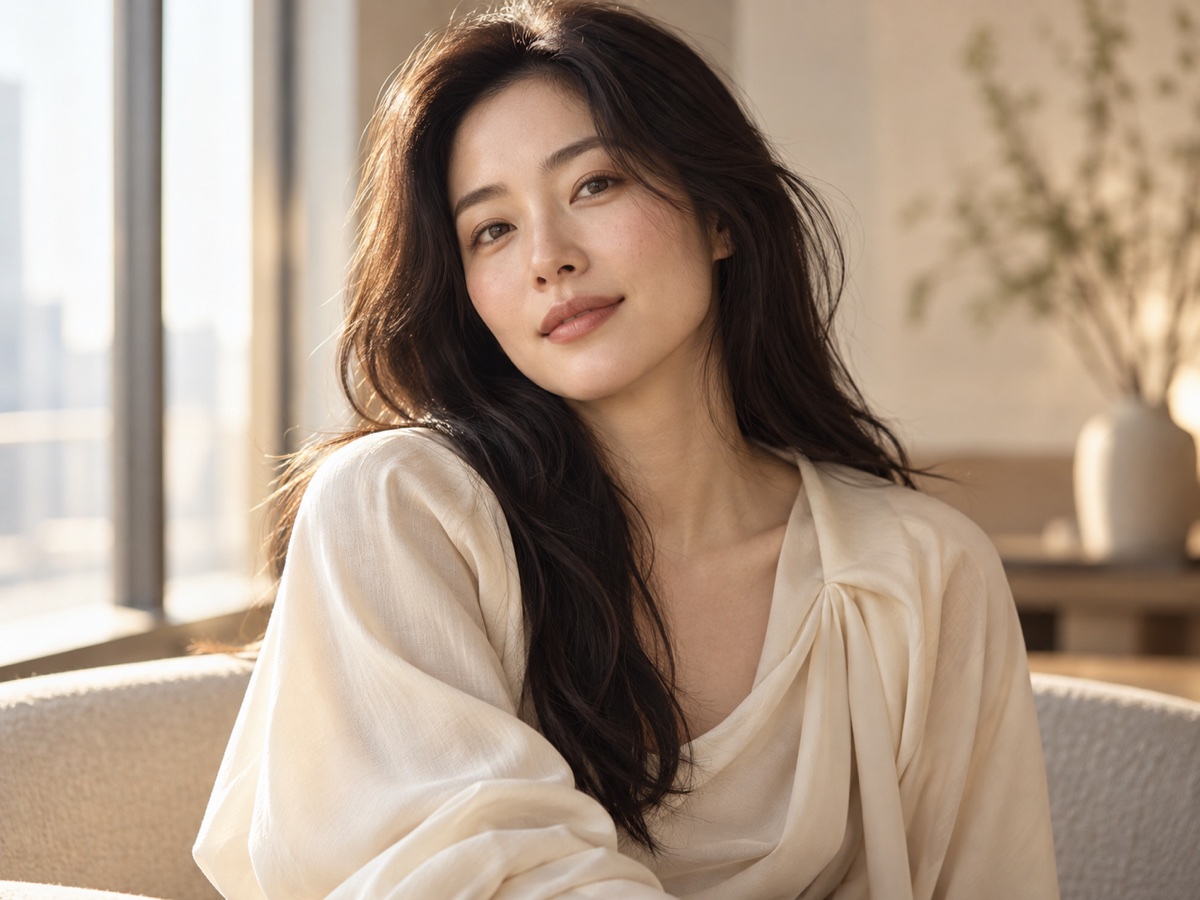
A polished editorial portrait in warm orange sunlight