

A LITTLE EDIT. A LOVELY DIFFERENCE.

Beautiful photos, in three simple steps.

From your first upload to the finishing touch. A little inspiration is all you need.

  1. Upload your photo

    01

    Choose a JPG, PNG or WebP image, up to 20 MB.

  2. Make it your own

    02

    Enhance details, remove distractions or explore a new style.

  3. Compare & download

    03

    Preview your edits, then save the photo you love.

Start editing
A clearer kind of beautiful
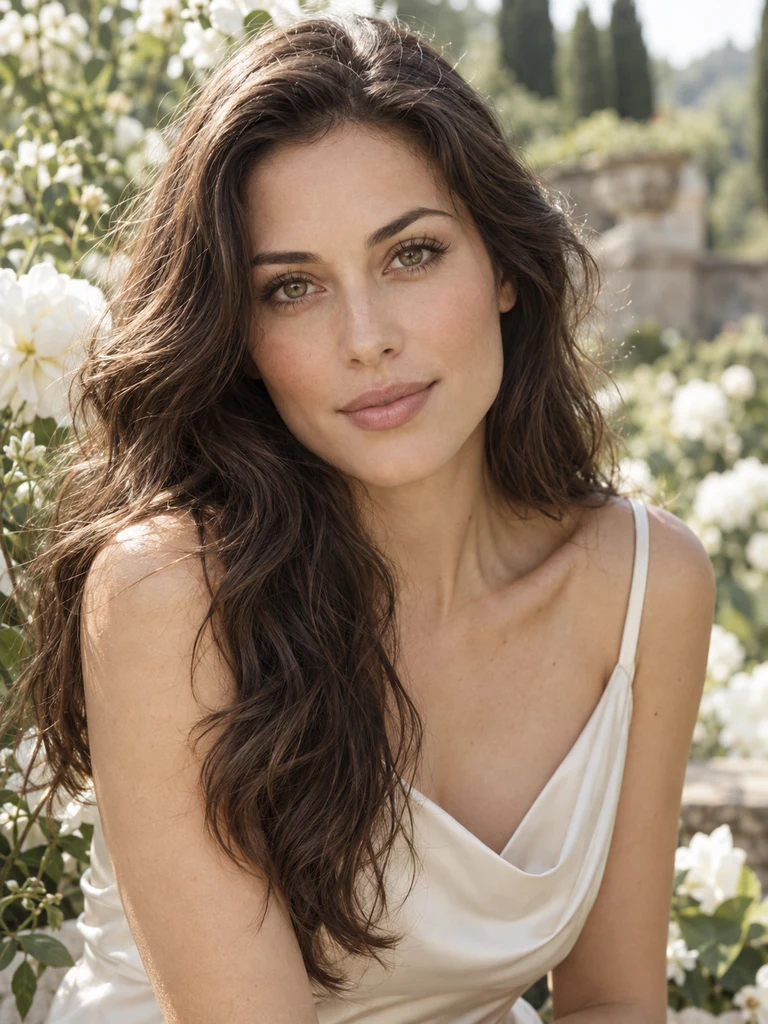
Warm sunlit garden portrait with white flowers, shown with a simulated blur and clear detail comparisonSoft focus
Clear detail

Tools for Cleanup, Enhancement and Creative Edits

Restore detail, isolate a subject, remove watermarks or explore a new art style. Choose the tool that fits your photo, then compare the result with the original.

Illustration of the same warm living room before and after text watermark removal
Before
After
Feature 1

Remove Watermarks from Photos

Brush over the watermark and let AI reconstruct the selected area using the surrounding image. Preview the result before applying your changes.

Try Watermark Remover
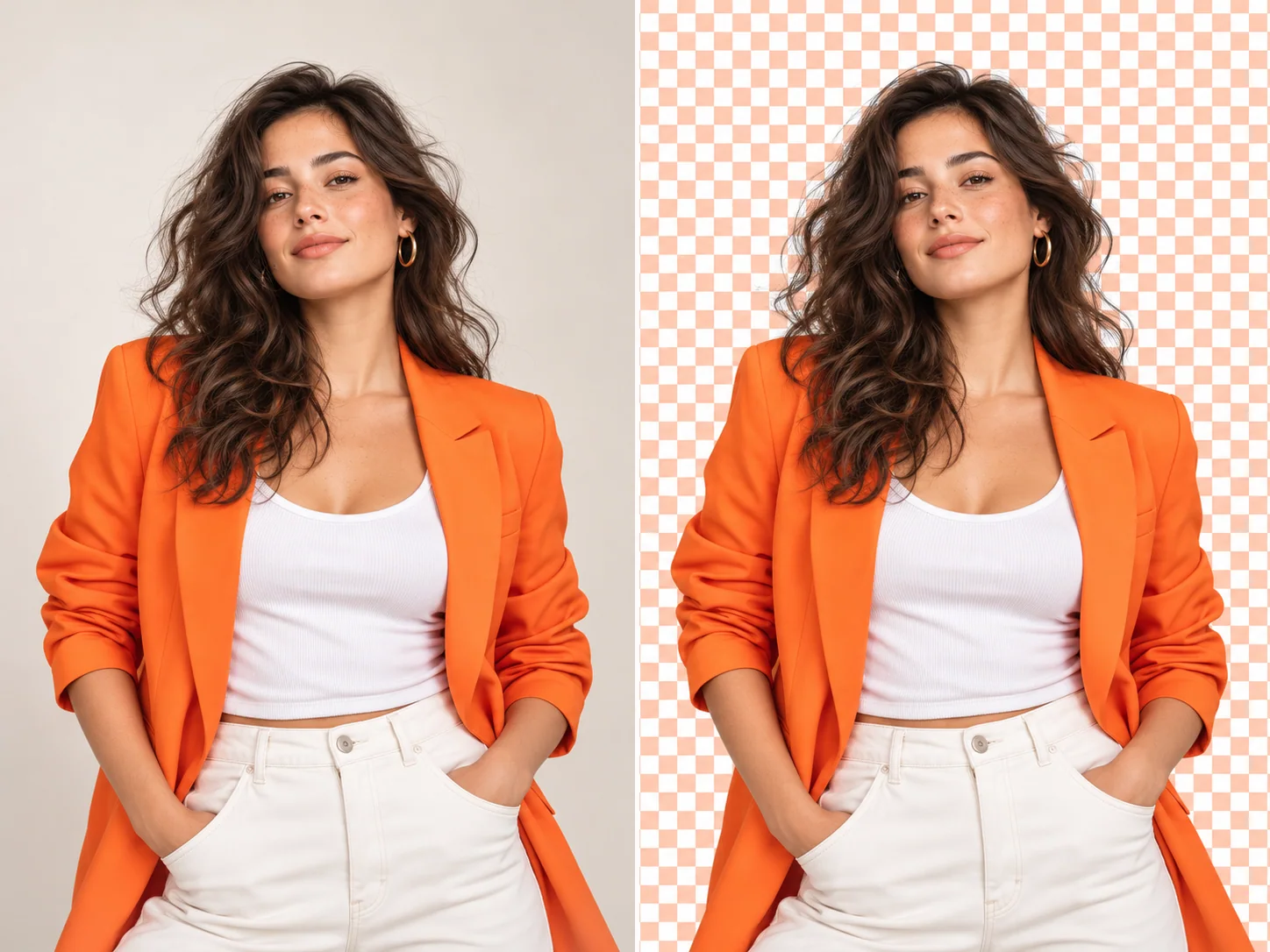
Woman in an orange jacket before and after precise AI background removal
Feature 2

Remove and Replace Photo Backgrounds

Isolate a person, pet or product and download a transparent PNG. Refine the cutout before export, especially around hair, glass and fine edges. A clear subject against a contrasting background usually gives the tool a better starting point.

Remove a Background
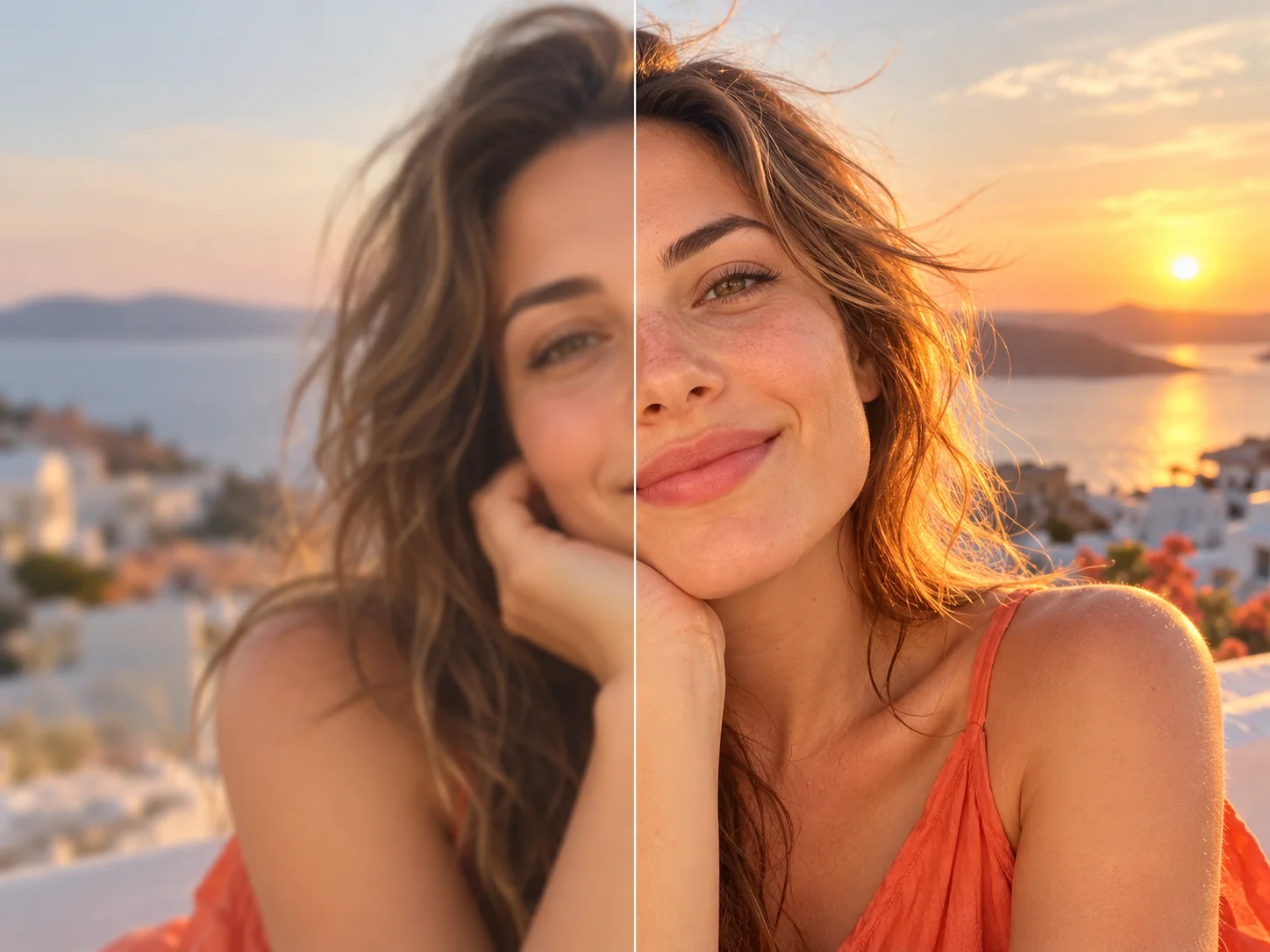
Outdoor portrait before and after natural photo enhancement with warm orange light
Feature 3

Improve Photo Clarity and Detail

Choose face restoration, noise reduction, compression cleanup or strong restoration to match the problem in your photo. Compare fine details and facial features with the original before keeping the result. Enhancement improves an estimate of detail; it cannot guarantee recovery of missing information.

Enhance a Photo
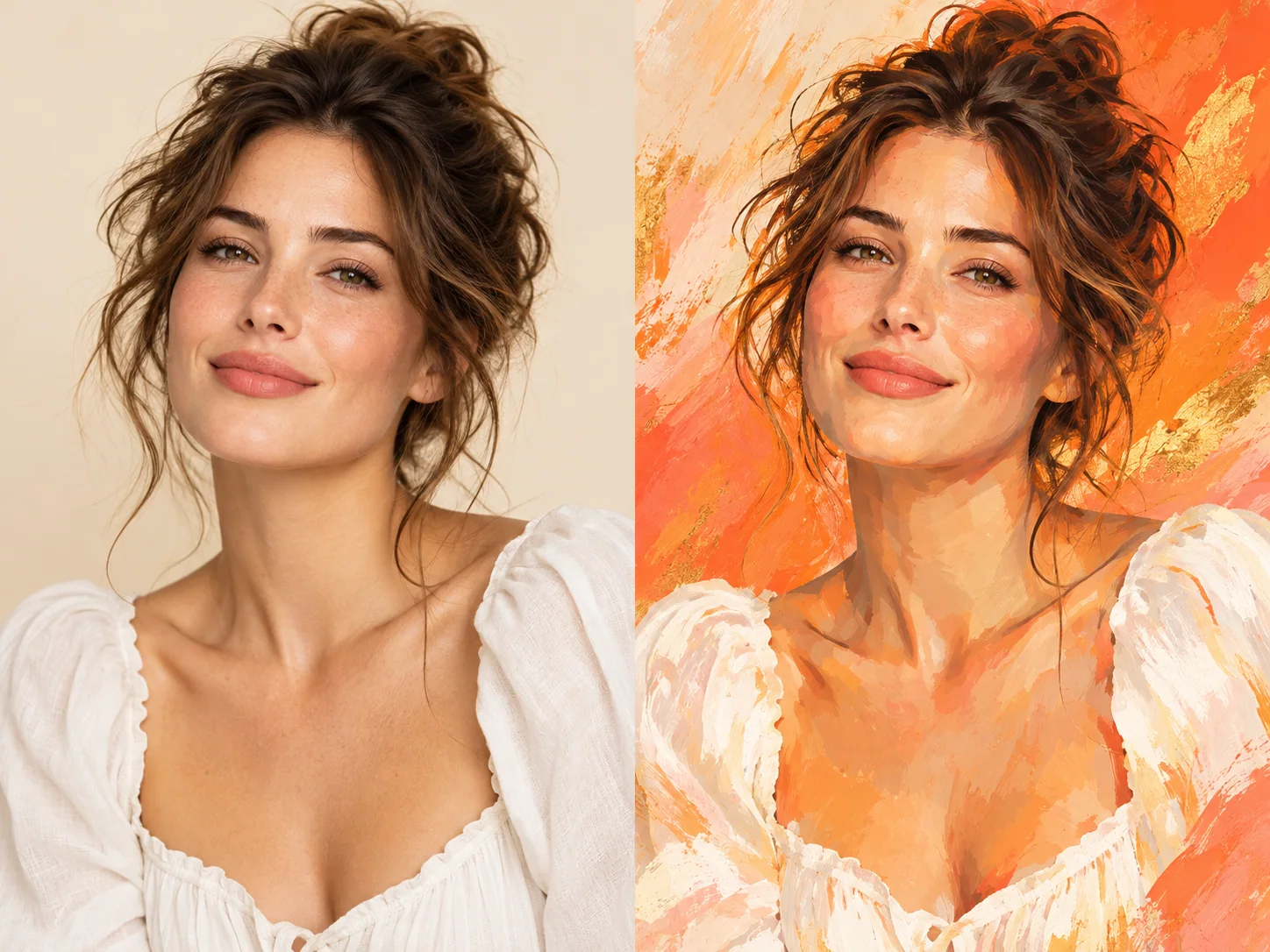
Portrait before and after an orange painterly AI style transformation
Feature 4

Transform Photos with Creative AI Styles

Try watercolor, oil painting, anime and other presets, or guide the result with a custom description and reference image. Adjust the style to suit portraits, product visuals or social posts. Generative styles may change small details, so review the output before export.

Transform a Photo

4 Featured AI Edits

What You Can Create

Portrait before and after a natural photo enhancement01

Photo Enhancer

Portrait Glow-Up

Bring soft light, natural color, and crisp detail back to a favorite portrait. Huelift improves the image while keeping skin and hair believable.

Photographer before and after an AI background replacement02

Background Remover

Studio Background

Turn a busy room into a clean, vivid backdrop in one focused workflow. Huelift keeps the subject sharp around hair, clothing, and camera edges.

Portrait before and after a colorful painted style transformation03

Style Transfer

Painted Portrait

Explore a bold editorial look without losing the character of the original portrait. Huelift blends expressive color with recognizable facial details.

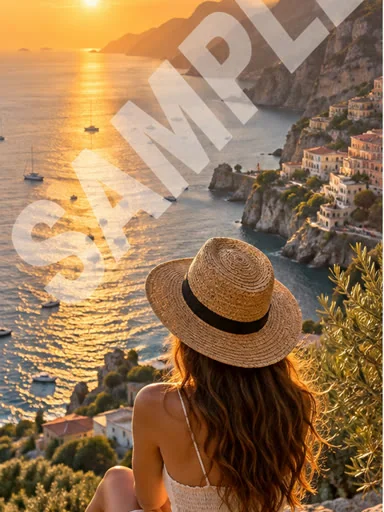
Travel photo before and after an unwanted overlay is removed04

Watermark Remover

Clean Travel Shot

Remove an unwanted overlay and restore the view beneath it for a cleaner composition. Huelift rebuilds nearby color and texture for a natural result.

Why start free

Start with a Free Local Preview

Get 3 free AI credits every day, without signing in. Each standard tool uses 1 credit per task; unused daily credits expire.

Preview, crop and adjust your photo locally for free. Magic Edit requires paid access and uses 1–3 credits; completed results can be viewed and downloaded at no extra cost.

Try before you commit

Preview and try basic edits before creating an account.

Built for quick results

Choose a focused tool and compare the result with the original.

Privacy-aware preview

Local previews stay on your device; AI processing sends the image to the service.

Clear product limits

Check the displayed credit cost and available balance before each AI task.

SIMPLE PHOTO PRICING

A plan for every photo project

3 free credits every day. AI edits from 1 credit each.

Free

$0.00forever

3 free credits daily · No sign-in required

3 free credits every day· Up to 3 images

  • Resets daily; unused credits expire
  • Standard AI photo editing tools
  • 512MB cloud storage
  • Manual crop, adjustments & downloads
Start free

Starter

$5.75/ month

$69.00 billed yearly

20 credits each month· Up to 20 images

  • Monthly credits; no rollover
  • All AI photo editing tools included
  • AI magic tools included
  • 10GB cloud storage
  • Priority support
  • Manual crop, adjustments & downloads

Creator

Recommended
$15.75/ month

$189.00 billed yearly

60 credits each month· Up to 60 images

  • Monthly credits; no rollover
  • All AI photo editing tools included
  • AI magic tools included
  • 10GB cloud storage
  • Priority support
  • Manual crop, adjustments & downloads

Studio

$34.92/ month

$419.00 billed yearly

150 credits each month· Up to 150 images

  • Monthly credits; no rollover
  • All AI photo editing tools included
  • AI magic tools included
  • 10GB cloud storage
  • Priority support
  • Manual crop, adjustments & downloads

Prices are in USD; taxes appear at checkout. Maximum image counts assume 1 credit per edit. Magic Edit uses 1–3 credits depending on settings; repeat edits count separately.

Questions answered

Photo Editing Questions

Straightforward answers about free online photo editing, enhancement, apps, quality, privacy, and the tools included in this all-in-one workspace.

Preview, crop and adjust photos locally for free. Try the four standard AI tools with 3 free credits daily, without signing in. Magic Edit requires paid access and uses 1–3 credits depending on the settings.

No. Open the full photo editor in a modern desktop or mobile browser, then upload a JPG, PNG or WebP image to start editing.

No. Enhancement, background removal, watermark removal and style transfer are available with 3 free credits daily, without sign-in. You can process, compare and download the result. Magic Edit still requires a paid plan or credit-pack purchase.

Use Photo Enhancer for faces, noise or compression problems; Background Remover for a transparent cutout; Watermark Remover for marks on images you own or have permission to edit; and Style Transfer for a new artistic look.

Upload JPG, PNG or WebP files up to 20 MB and 64 megapixels. Photo enhancement currently resizes the input to a maximum edge of 1536 pixels before processing. Output size depends on the selected tool; a 4K or lossless result is not guaranteed.

Compare the processed image with the original before applying it. Check faces, text, hair and fine edges at a useful zoom level. AI may invent details or alter textures, and a severely blurred original may not be recoverable.

Choosing a photo prepares it locally. Starting AI processing uploads it to private storage and sends a temporary image link to Replicate. Guest projects are accessible through this browser’s anonymous session; clearing cookies can lose access. Sign in from the same browser to keep your projects with your account. Closing the browser does not automatically delete files.

Yes. Apply a result to continue editing it, or use the export controls to download it. Available dimensions and formats depend on the current image and tool. Keep the original file if you may need to start over.
3 free credits daily · No sign-in required

Make Your Next Photo Better in Minutes

Choose a photo, make your edit, and compare the result before downloading. Start in your browser with no software to install.

  • Free to preview
  • Works in your browser
Try the AI Photo Editor
A polished editorial portrait in warm orange sunlight