Original Video
The original face, body, outfit, motion, and scene.
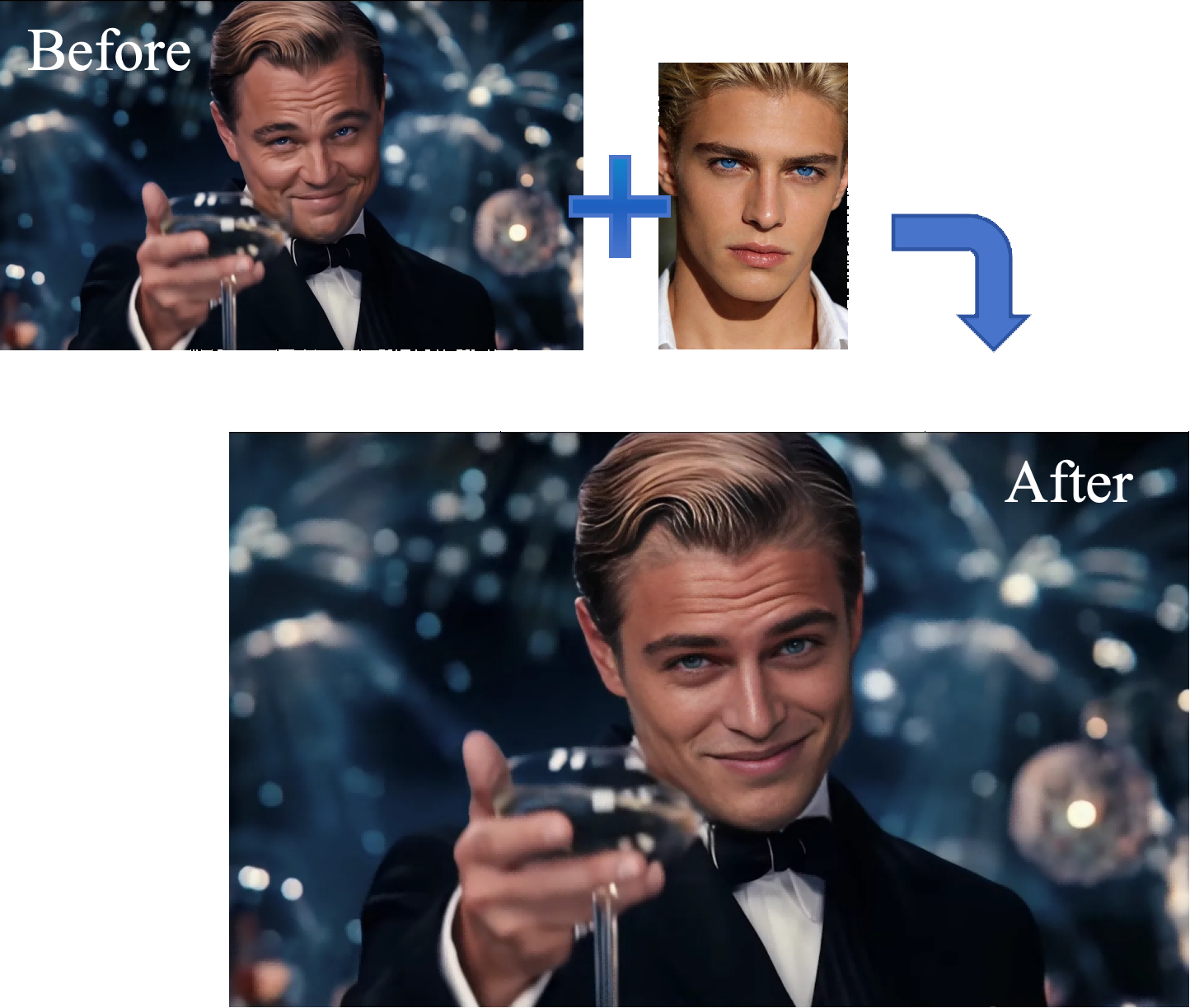
Swap the video face with your face image
Clear image, even lighting, only 1 person in frame
Choose the video clip where you want to replace the face
Upload a character image and reference video to generate your own
Use AI technology to replace faces in any video, achieving high-quality face swap effects
Use AI technology to precisely replace faces in any video, achieving high-quality face swap effects that surpass traditional face swap technology.
Watch all three videos together to see exactly what changes — the face only, or the entire person.
The original face, body, outfit, motion, and scene.
Replaces the face, body, and outfit while preserving the motion and scene.
Replace any face in a video with 3 simple steps

Want to do video face swap without installing software or learning editing? Just one clear face photo + one reference video to generate more natural and coherent AI face swap videos, perfect for short video creation, content remixing, and quick marketing material production.
AI locates and replaces the target face in the video, keeping the generated results naturally connected during facial expression changes and movements, reducing the abrupt "sticker" effect.
No need to download a client or prepare datasets or train models—simply upload your materials on the web page to start generating. You can trim your desired clips online, making it convenient and fast.
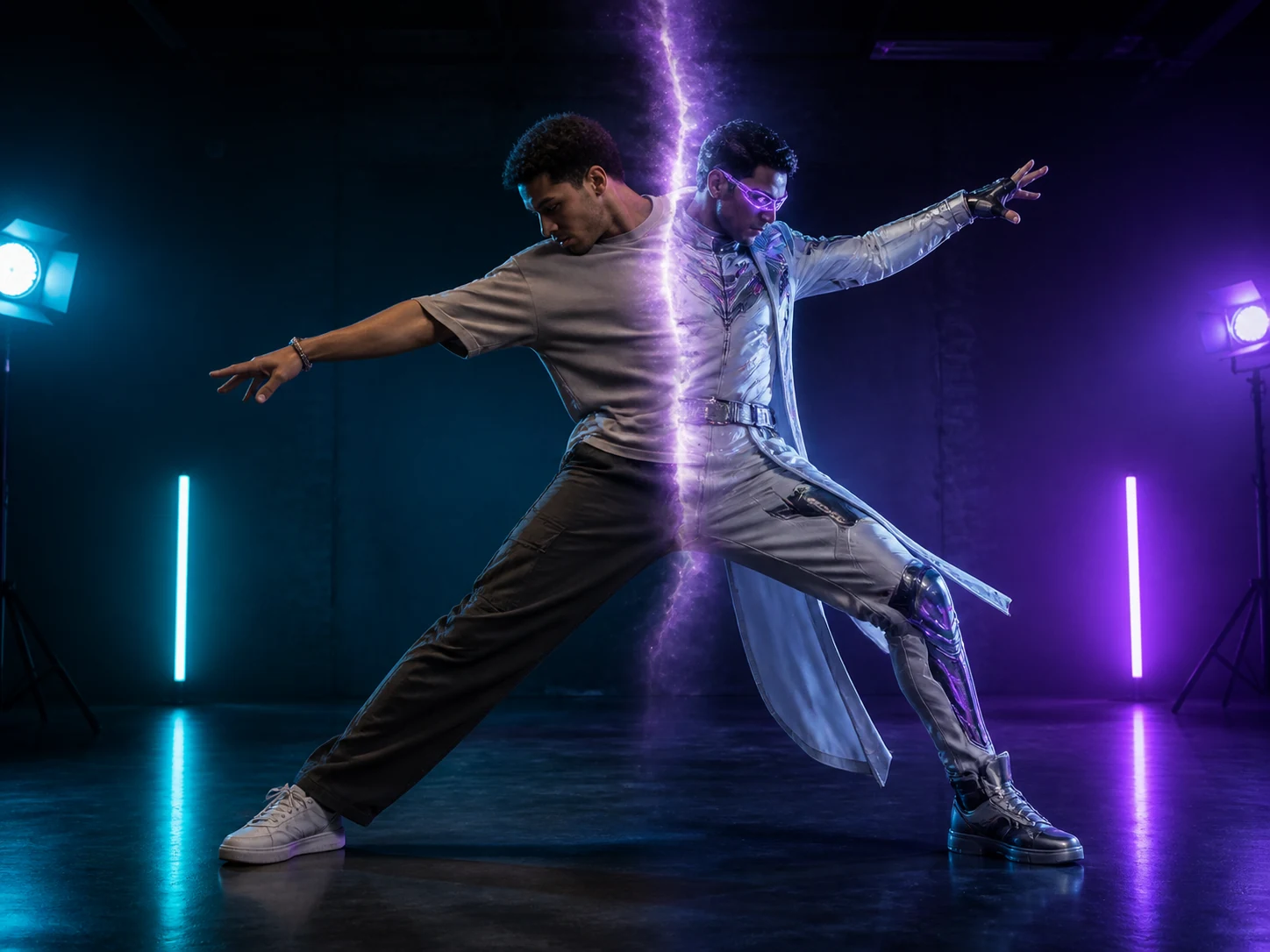
Replace an entire video character while preserving the original motion, expressions, scene, and camera quality.
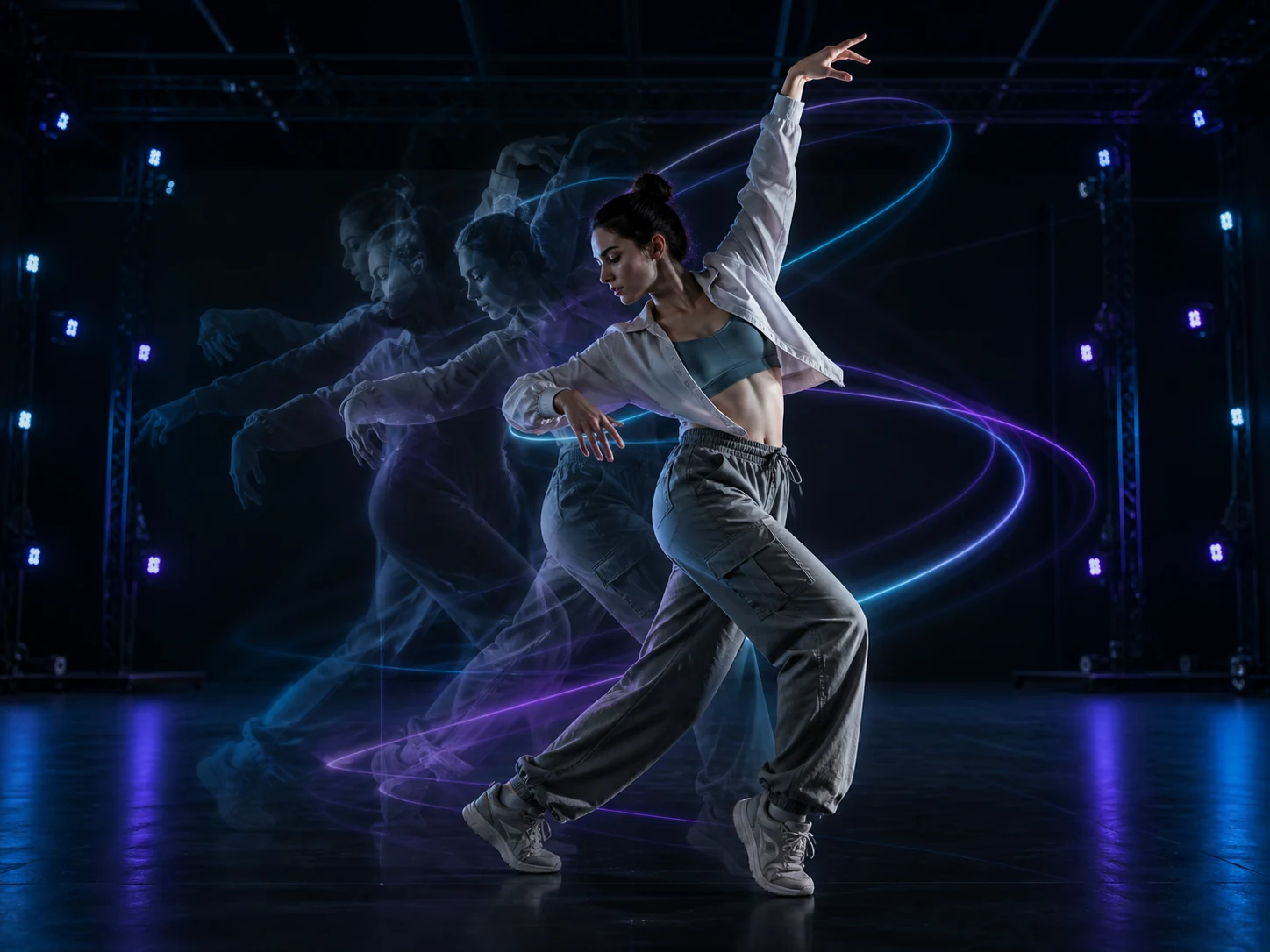
Animate a static character image with movement learned from a reference video.
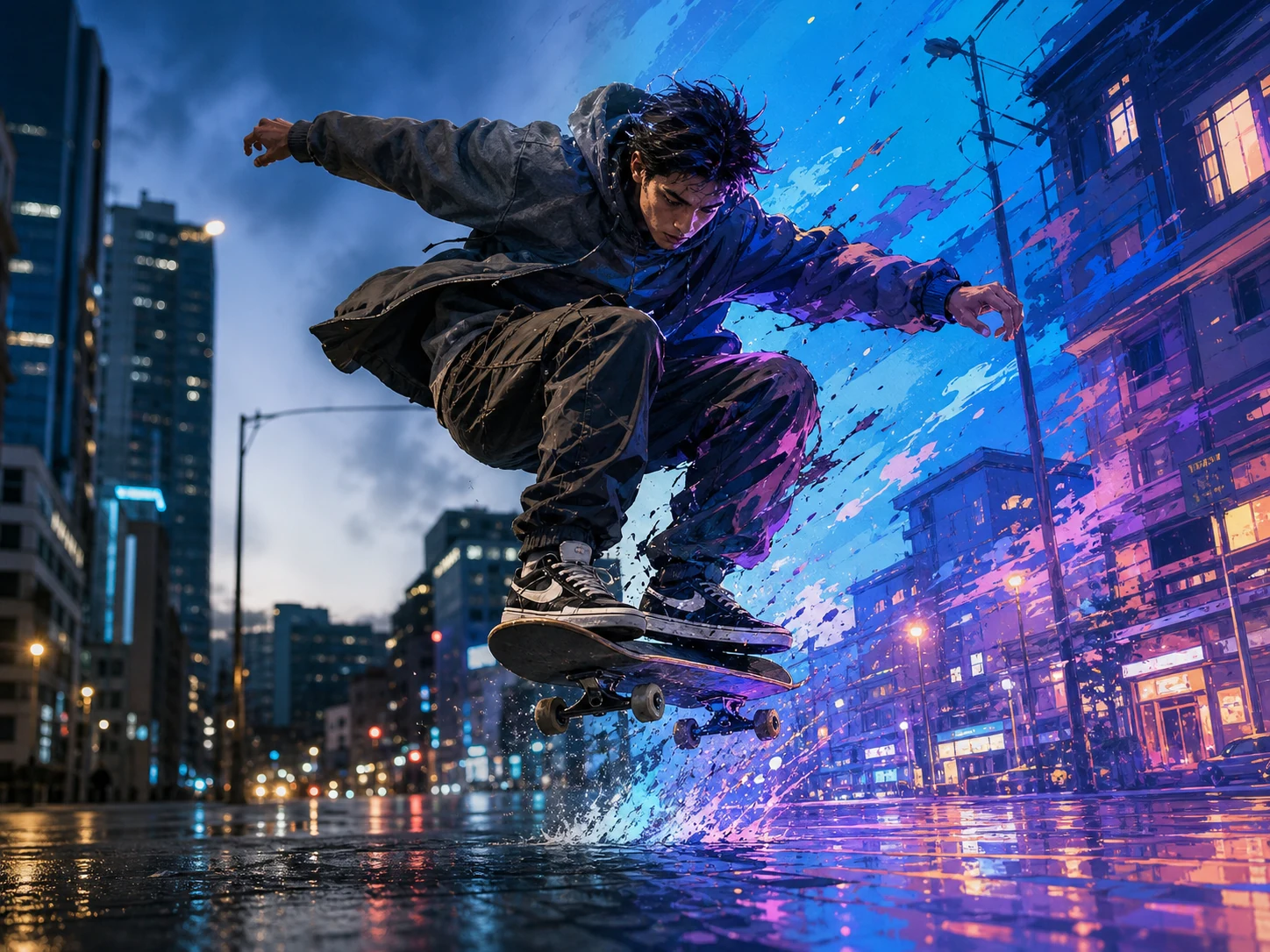
Transform videos into anime, cinematic, artistic, or custom styles while preserving motion and timing.
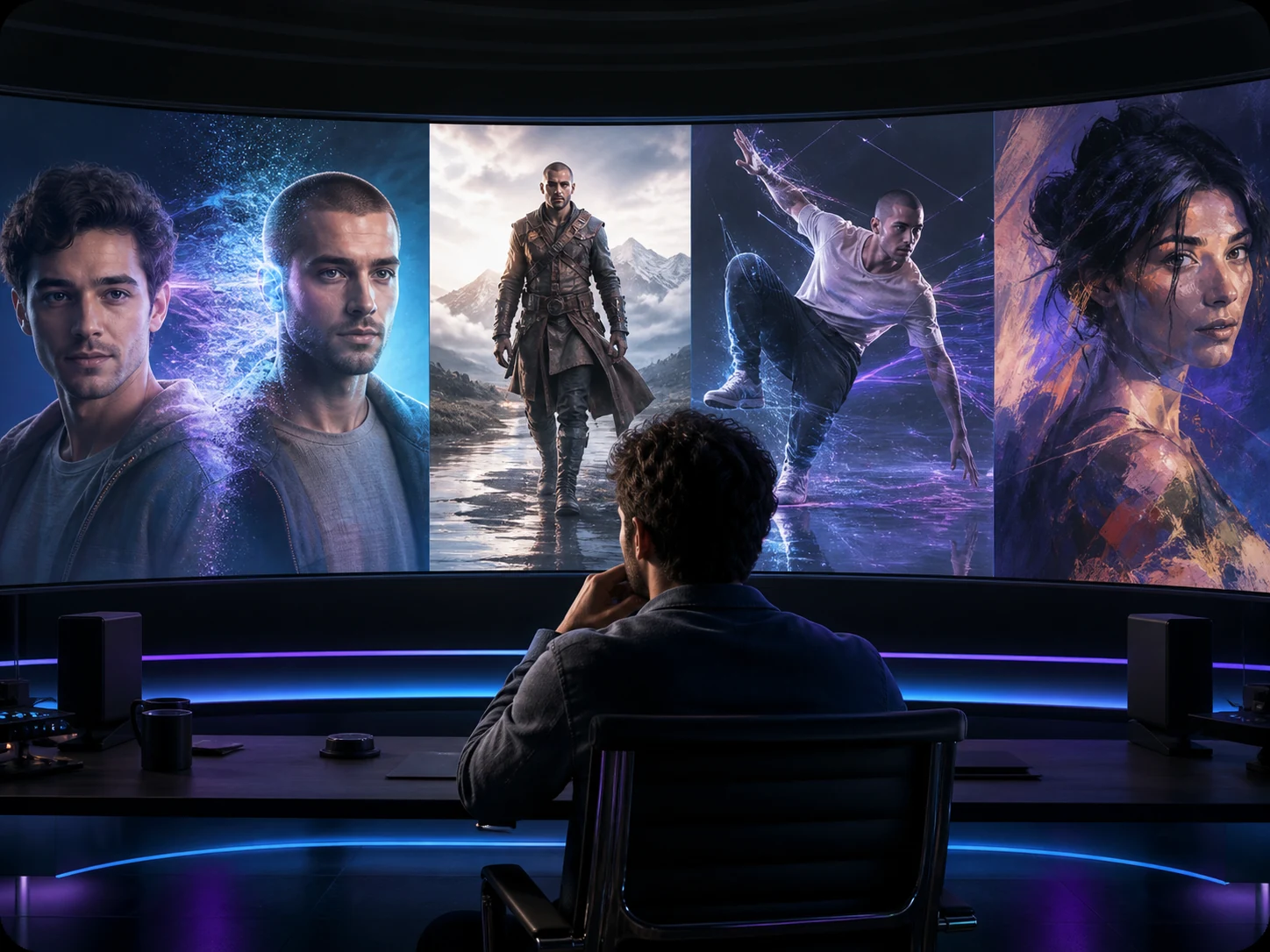
Swap faces and characters, animate images, and stylize videos with all-in-one AI video tools.
Common questions about video face swap
AI Face Swap Video is an online tool that uses AI to replace a face in a video with a face from your uploaded image. It keeps the original performance and motion while generating a new video with the swapped face—ideal for creators, marketers, and editors who want fast video face swap results.
You need: - 1 face image (clear face, even lighting, only one person in frame recommended) - 1 reference video (the video to be face-swapped) Tip: A sharp, front-facing photo usually produces the best natural face replacement.
Typically 3-5 minutes. Processing time depends on: - clip length (seconds) - and current server load
For the most realistic video face swap: - Use a high-quality face photo (sharp, front-facing, even lighting) - Avoid heavy blur, extreme angles, sunglasses, masks, or hands covering the face - Choose clips where the subject's face is large and visible - If a long clip looks unstable, try a shorter segment
Yes—paid plans include a commercial use license. If you're producing ads, client work, or branded content, use a paid plan to ensure commercial usage coverage.
Video face swap is legal in many places when used responsibly. You must: - Only use videos/photos you own or have permission to use - Get consent from people who appear - Never use face swap for fraud, impersonation, harassment, or deception - Do not create content involving minors or non-consensual explicit content If you're unsure, choose safe, consent-based use cases (parody with permission, personal creative edits, marketing with rights cleared).
We use standard security measures to protect data transmission and work with trusted service providers for storage and processing. You can also request access or deletion of certain personal information according to applicable laws.
Try these quick fixes: - Upload a clearer face image (front-facing, even lighting, no filters) - Use a clip where the face is bigger and less occluded - Reduce motion: pick a segment with fewer fast turns - If the clip is long, try generating a shorter segment first
Refund eligibility depends on the situation (e.g., billing errors, downtime, unused credits, or technical failures). If you need help, contact support with your account email and transaction details.
Still have questions? hi@videoswap.app